2.4 Attaching X-LIGHT V2
TP
to the microscope
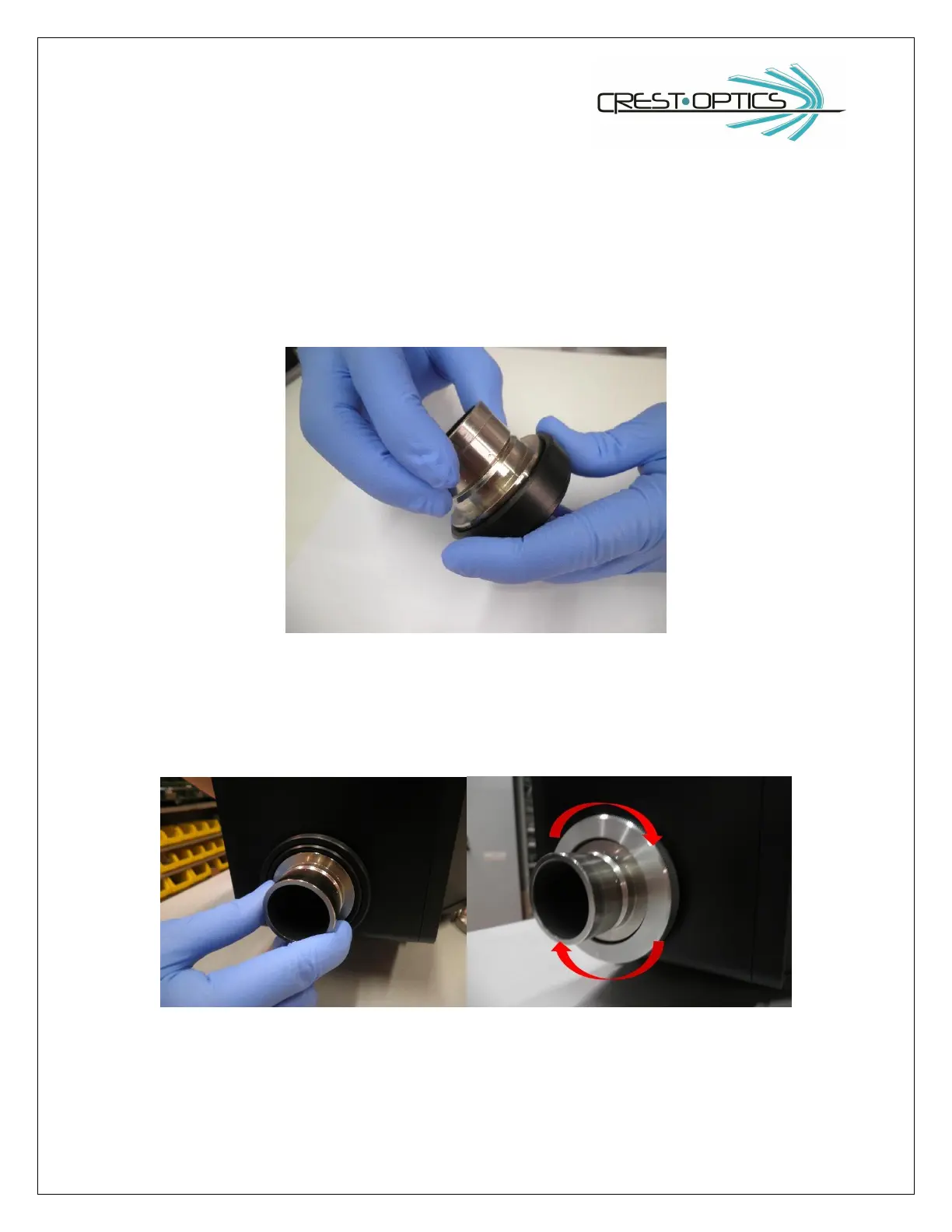
You will need the specific microscope brand side-port C-mount (1x) adapter in order to attach the X-LIGHT
V2
TP
. (see figure; Nikon adapter example).
Mount the side port-adapter on the C-Mount side-port ring
Place the adapter in its housing (disk box side) and the screw the threaded ring to block it in position
Mount the Confocal head to the side port (camera port) of the microscope. It is important that the confocal
head is parallel to the side port of the microscope. This is achieved by leveling the confocal head adjustable
feet. Place the bubble level provided, on the stage of the microscope and note the position of the bubble.
Now place the bubble on the top flat surface of the confocal head and adjust the feet until the bubble



 To Next Page