Deployment Guide – DOC. 7693K AirMedia Presentation Gateway • 15
Crestron Connected
AirMedia devices can control any Crestron Connected compatible display. When
launching the application, a “power on” command is sent to the display, eliminating the
need for a remote control or the press of a power button.
To use the Crestron Connected feature, the user provides the display's IP address or IP
ID. When a user connects to the AirMedia device, a command is issued to turn on the
display. After the last user disconnects from the AirMedia device, a command is issued to
turn off the display.
For more information on Crestron Connected devices, refer to
https://www.crestron.com/en-US/Products/Crestron-Connected-Devices
Control System
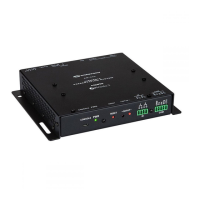
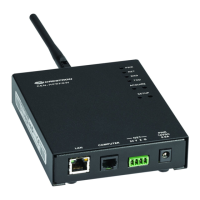
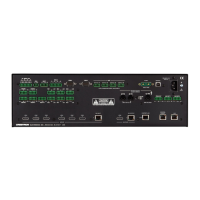
The AM-100, AM-101, and DMPS3 can integrate with 3-Series® Crestron control systems
for complete room control. When a Crestron control system is used, lights, display,
HVAC, shading, and virtually any other device in the room can be controlled. The AM-200
and AM-300 have a join interface planned for a future firmware release.
Additionally, the control system can implement Simple Network Management Protocol
(SNMP) to integrate with existing IT management tools. The device parameters can be
set and monitored by a Crestron control system, as shown in the Device Parameters
table below.
Device Parameters
NAME ACCESS TYPE FUNCTION
Status Read Analog Reports the status of the device
Number of Users
Connected
Read Analog Indicates the number of users currently connected
Device Access Code Read Analog Sets the device access code
The input sets the current code and is only
valid when the device code is in Fixed mode
(configured through the device's web pages).
Projector Connected Read/Write Analog Reports the status of a connected projector
Valid Values:
0 = Not connected
1 = Connected
Status Text Read Serial Returns the status of the device as a string for display
Device Parameters Table (Type Column) Key
CRESTRON TYPE STANDARD TYPE
Digital Boolean
Analog 16-bit integer
Serial String (maximum length 255 bytes)
Crestron Fusion® software can also provide an alternative monitoring mechanism to
SNMP. For more information on Crestron Fusion software, refer to
www.crestron.com/en-US/Products/Featured-Solutions/Crestron-Fusion
.






 To Next Page