22 • AirMedia Presentation Gateway Deployment Guide – DOC. 7693K
Manual Entry
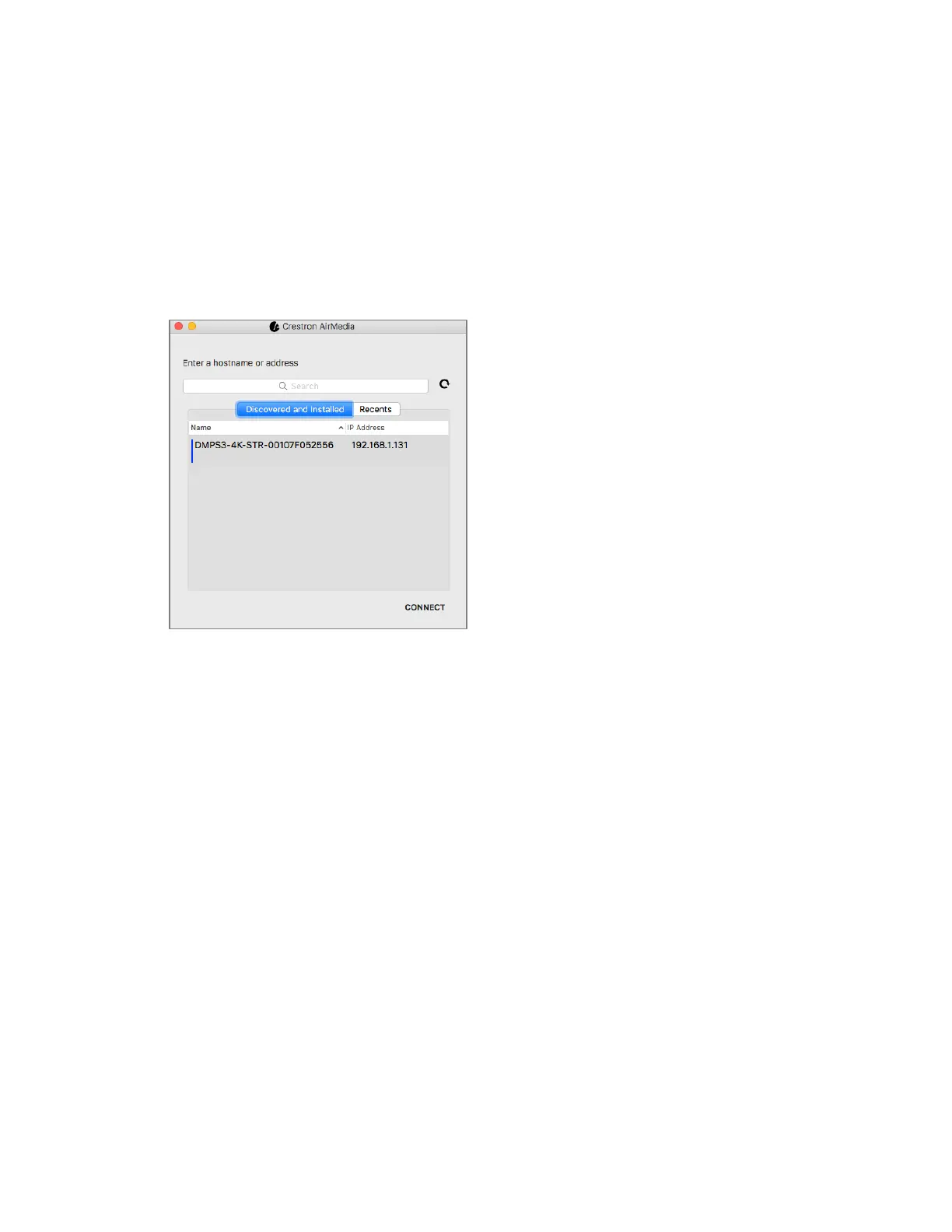
If the application is unable to discover any devices, the user can manually enter the
information.
From the Connect dialog box, enter the hostname or IP address of the device, and then
click
Connect. If a passcode is required on the target device, the Passcode screen
displays.
Manually Entering Device Information






 To Next Page