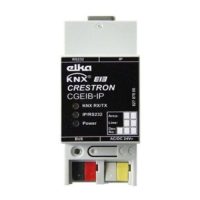
Crestron CGEIB-IP KNX Control Interface
Operations & Installation Guide – DOC. 0009 KNX/EIB Control Interface: Crestron CGEIB-IP
5
(http://www.lantronix.com/device-networking/utilities-tools/device-
installer.html)
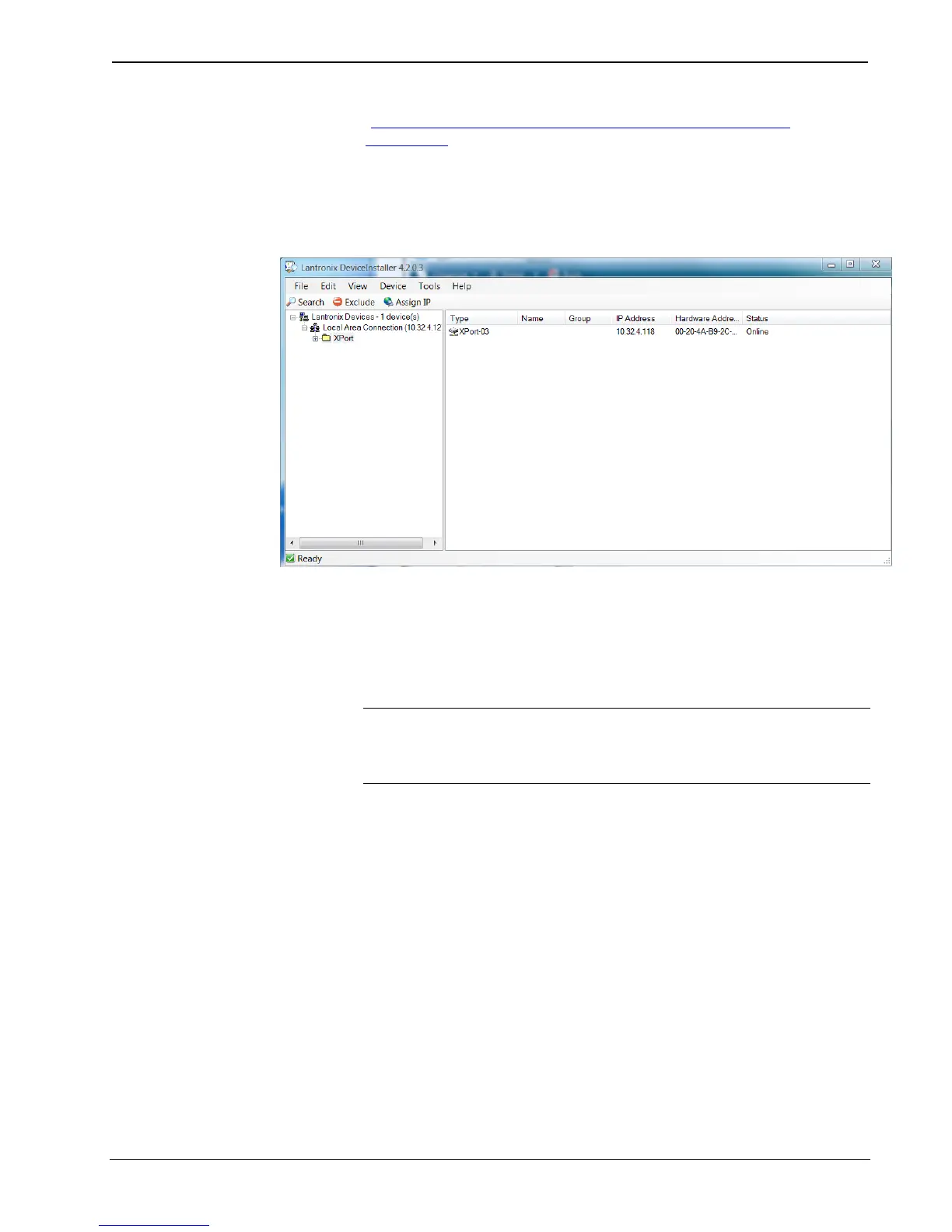
- Open the Deviceinstaller™ software.
- Click on the "Search" icon or select "Search" under the menu item “Device”
to look for devices.
Deviceinstaller™ will show you all CGEIB-IP’s in your network and report
their IP address and TCP port to communicate on.
The CGEIB-IP only configures its Ethernet port upon start up. SO, after every
change in the IP configuration (DHCP or static), make sure to reboot the
CGEIB-IP with the network cable plugged in.
NOTE: As described above, the Ethernet configuration only takes place when
no RS-232 cable I connected. Therefore, when using Ethernet to control the
CGEIB-IP, upon reboot of the unit make sure the Ethernet cable is plugged in
and no RS-232 cable is present.


 To Next Page