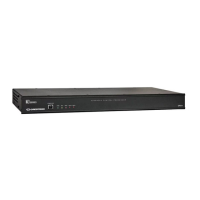
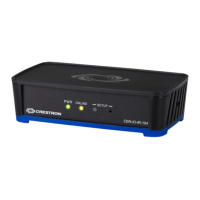
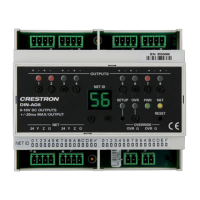
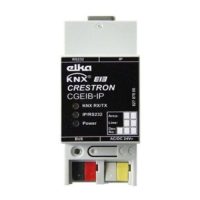
KNX Control Interface Crestron CGEIB-IP
6
KNX/EIB Control Interface: Crestron CGEIB-IP Operations & Installation Guide – DOC. 0009
Changing the IP-address configuration
- Open browser (e.g. Windows Internet Explorer)
- Browse to the IP-address of the LAN port
- Select menu item “Network” to setup basic IP configuration (static or
DHCP)


 To Next Page