Install the Device
Refer to the Safety Instructions (Doc. 6607) prior to installation.
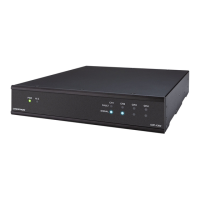
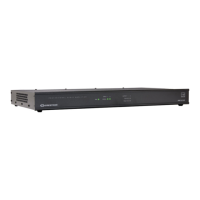
The device can be placed on a table or installed in a rack.
Place on a Flat Surface
Place the device on a flat surface such as a table.
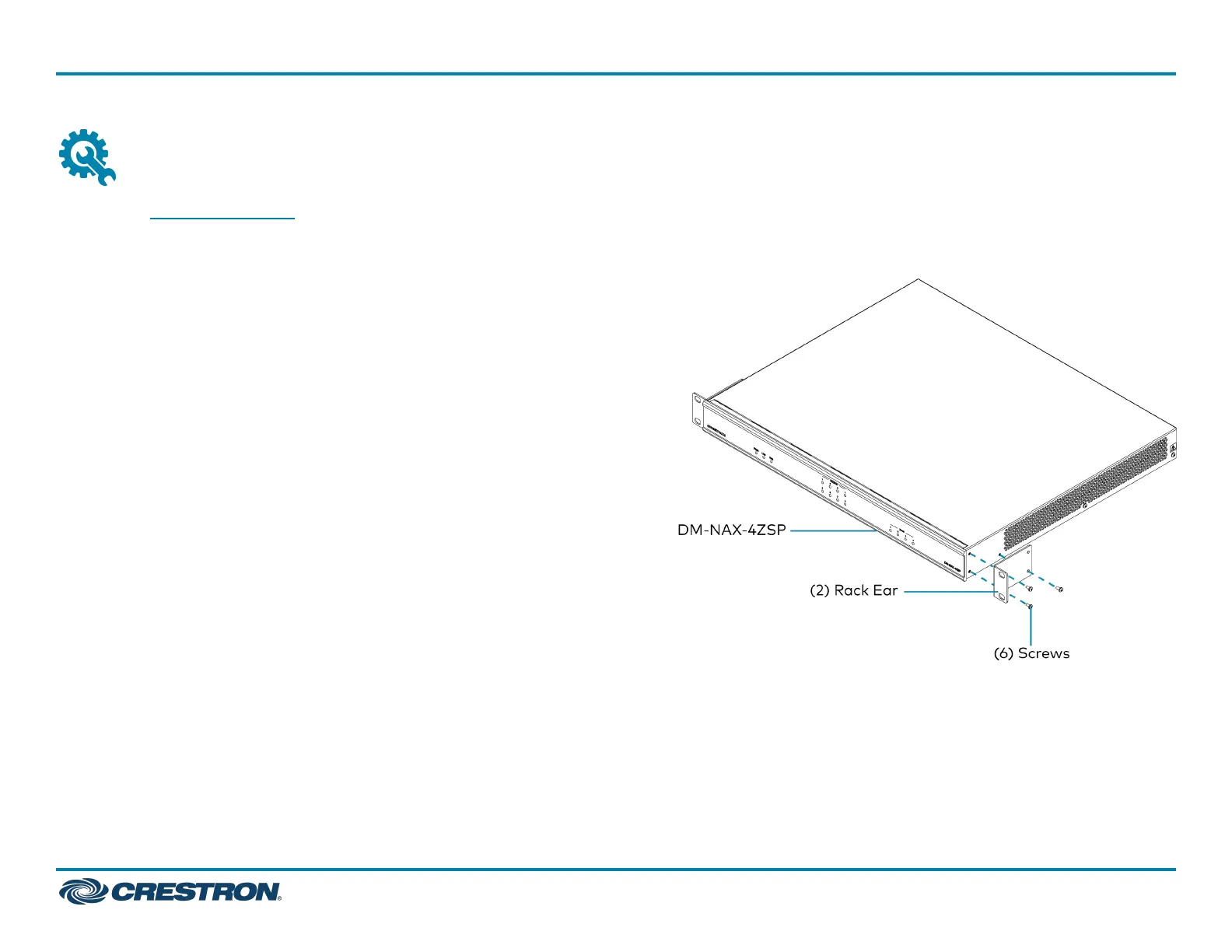
Install in a Rack
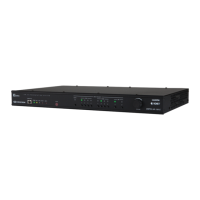
This device occupies 1U of rack space.
1. Use a Phillips screwdriver (not included) to remove the three screws
from each side of the device as shown in the illustration.
2. Use the screwdriver and the six screws (removed earlier) to attach
the included rack ears to the device.
3. Mount the device into the rack using four rack mounting screws (not
included).
DM-NAX-4ZSP
QuickStart
DM NAX™ 4-Zone Streaming Preamplifier
2



 To Next Page
 Loading...