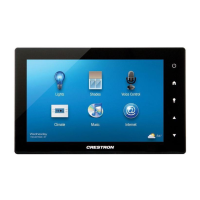
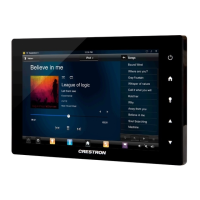
Crestron TSW-550/750/1050 5”/7”/10.1” Touch Screens
Configuration Guide – DOC. 7366C 5”/7”/10.1” Touch Screens: TSW-550/750/1050 • 7
playing a test .wav file. The Media Volume controls adjust H.264 streaming media
level in relation to the Master Volume controls.
Touch
to return to the “Setup” menu.
Display Setup
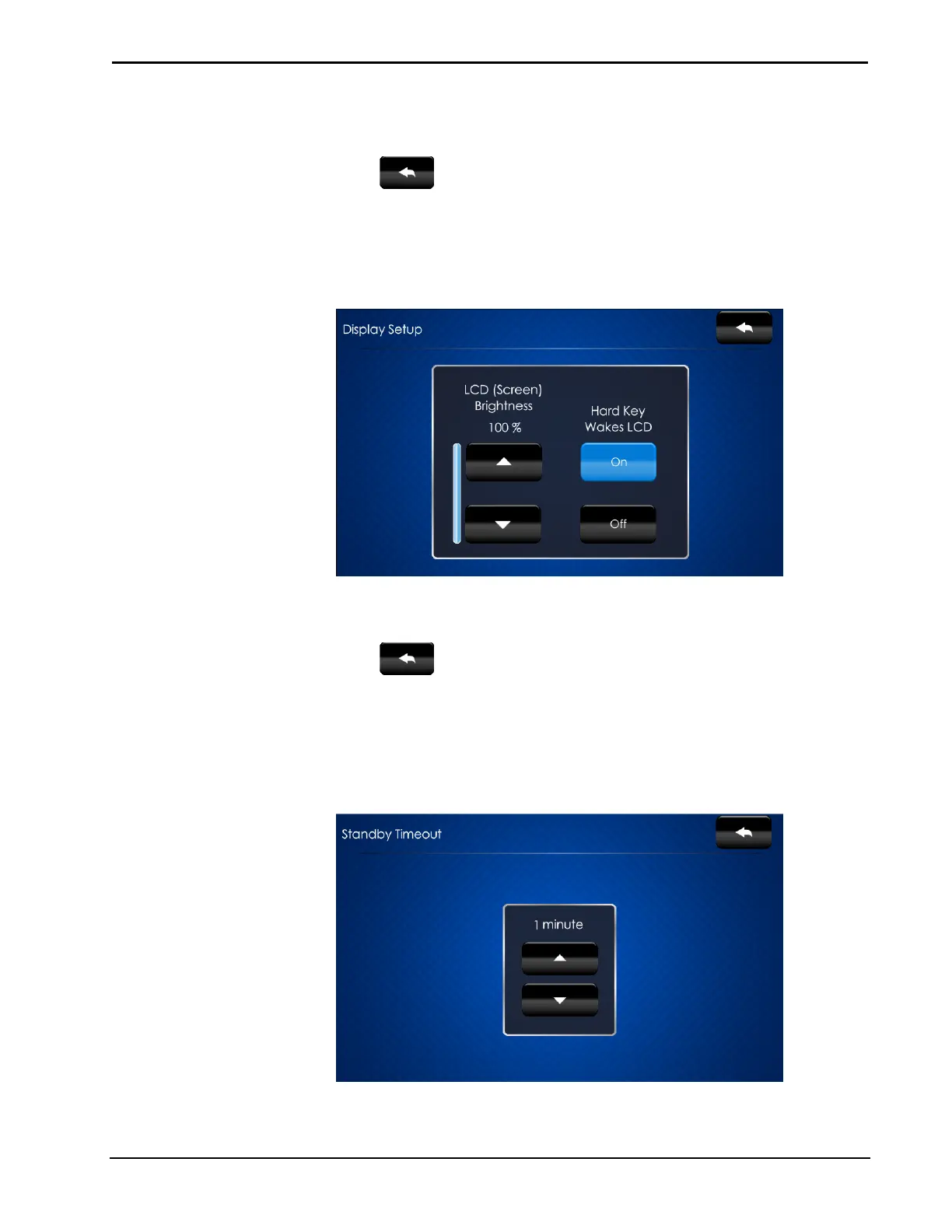
On the “Setup” menu, touch Display Setup to enter the “Display Setup” screen.
“Display Setup” Screen
The “Display Setup” screen provides controls for LCD (Screen) Brightness and On
and Off controls for Hard Key Wakes LCD.
Touch
to return to the “Setup” menu.
Standby Timeout
On the “Setup” menu, touch Standby Timeout to display the “Standby Timeout”
screen.
“Standby Timeout” Screen


 To Next Page
 Loading...