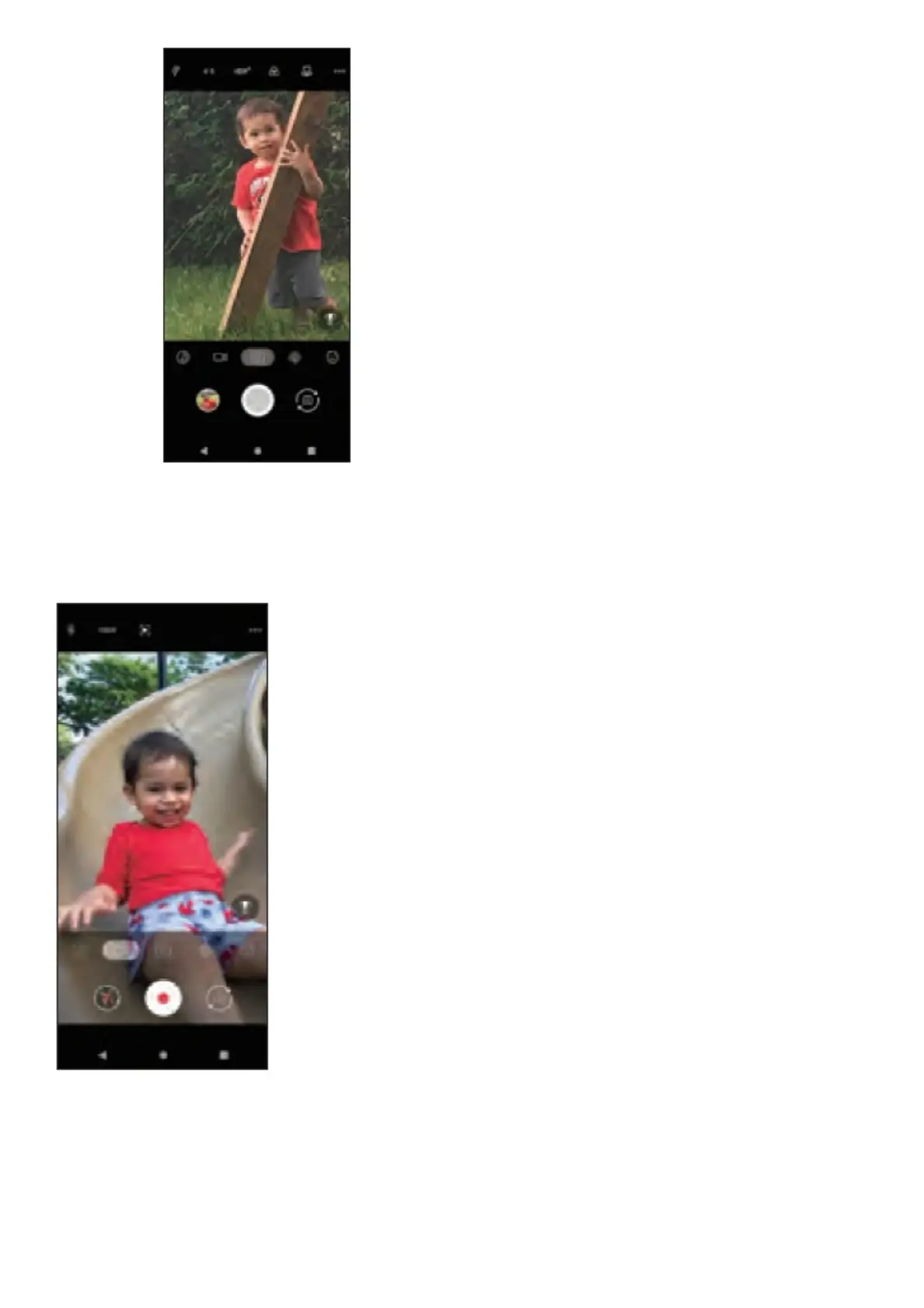
Take a picture
1. From the Home screen, tap Camera .
2. Position the object or landscape in the viewfinder.
3. Tap to take the picture. It will be automatically saved to Photos.
Make a video
1. Touch Video and tap in the bottom center of the screen to start recording a video.
2. Tap to stop recording. The video will be automatically saved.
Share a picture or video
1. From the Home screen, tap Photos
2. Tap a photo or video, and then tap Share and select an option for sharing.



 To Next Page