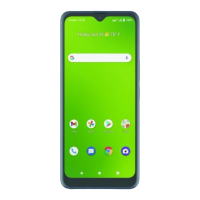
Check voicemail
1. From the Home screen, tap Phone > Dialer .
2. Press and hold the 1 key , then follow the prompts to set up your voicemail.
Use call waiting
1. While on a call, you will hear a tone if another call comes in. Swipe up to accept and place the current call on
hold, or swipe down to reject the call. The caller will be sent to voicemail.
2. Tap to merge calls or tap the other call to switch between active calls.
* To experience Cricket HD Voice, both callers must have a compatible HD
Voice–capable smartphone and make the call over Cricket’s LTE network or a compatible network. Cricket’s LTE
coverage is not equivalent to its overall network coverage. HD Voice calls made on a compatible device and on the
LTE network may not experience an HD Voice connection at times of network congestion. Other carriers’ networks
may interoperate with Cricket’s LTE network to support an HD Voice call.



 To Next Page