- 12 -
Programming the time
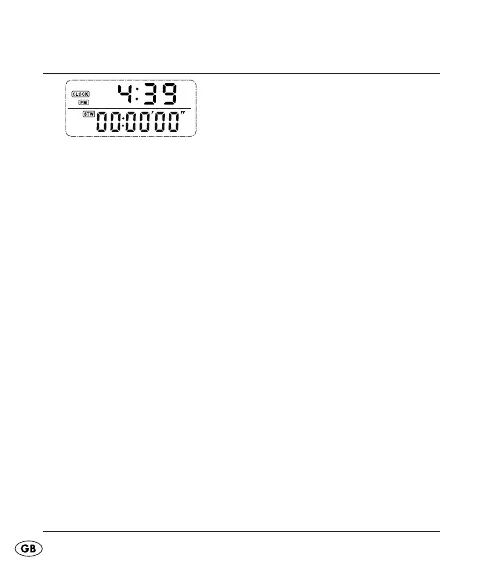
Fig.: Clock/Stopwatch
Repeatedly press the button MODE until you are in the •
display mode Clock/Stopwatch.
Press the button SET for three seconds, the 24 hour •
display blinks.
Press the button UP to switch between the 12 hour and •
the 24 hour formats.
Press the button SET to confi rm the setting and to •
switch to hour adjustment.
Press the button UP to set the hours.•
Press the button SET to switch to minutes adjustment.•
Press the button UP to set the minutes.•
Press the button SET to accept the adjustment and to •
depart the adjustment mode.
KH260_43209_LB4C.indb Abs1:12KH260_43209_LB4C.indb Abs1:12 26.11.2009 15:16:13 Uhr26.11.2009 15:16:13 Uhr



 To Next Page