- 15 -
Adjusting the measurement units
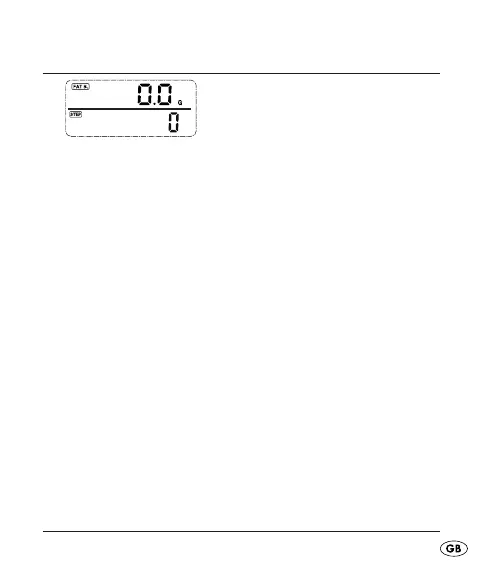
Fig.: Fat burning/Number of paces
The units in the pedometer can be displayed in either the
metric (m, g, kg, km) or in the Anglo-American (in, oz, lb,
mi) system. The device is supplied with the metric system
as default.
Repeatedly press the button MODE until you are in the •
display mode Fat burning/Number of paces.
Press the button MODE for 5 seconds, in the display •
the measurement units of the metric system blink.
Press the button UP to switch to the Anglo-American •
system.
Press one of the buttons MODE or SET to accept the •
adjustment and to depart the adjustment mode.
KH260_43209_LB4C.indb Abs1:15KH260_43209_LB4C.indb Abs1:15 26.11.2009 15:16:13 Uhr26.11.2009 15:16:13 Uhr



 To Next Page