- 13 -
Using the stopwatch
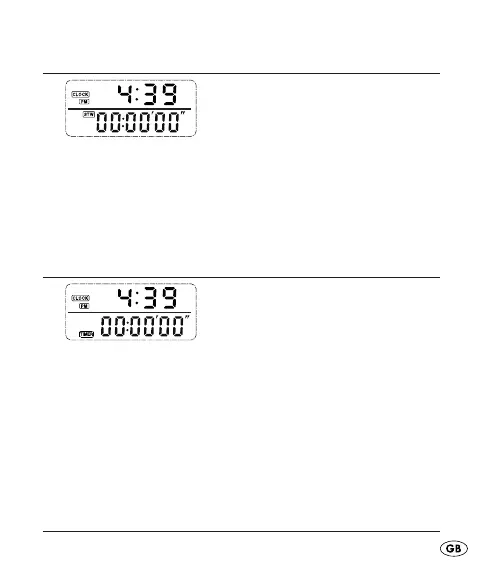
Fig.: Clock/Stopwatch
•
Repeatedly press the button MODE until you are in the
display mode Clock/Stopwatch.
Press the button UP to start and to stop the clockwatch.•
Press the button SET to return the stopwatch to null.•
Using the countdown function
Fig.: Clock/Countdown
Repeatedly press the button MODE until you are in the •
display mode Clock/Countdown.
Press the button SET for three seconds, the hour •
display blinks.
Press the button UP to set the countdown hours.•
KH260_43209_LB4C.indb Abs1:13KH260_43209_LB4C.indb Abs1:13 26.11.2009 15:16:13 Uhr26.11.2009 15:16:13 Uhr



 To Next Page