EasyManua.ls Logo

Crosley Tech Series - Turntable Operation; Radio Operation

Crosley Tech Series
16 pages
Print Icon
To Next Page IconTo Next Page
To Previous Page IconTo Previous Page
Loading...
|
Basic
Operation
Turntable
Operation
Radio
Operation
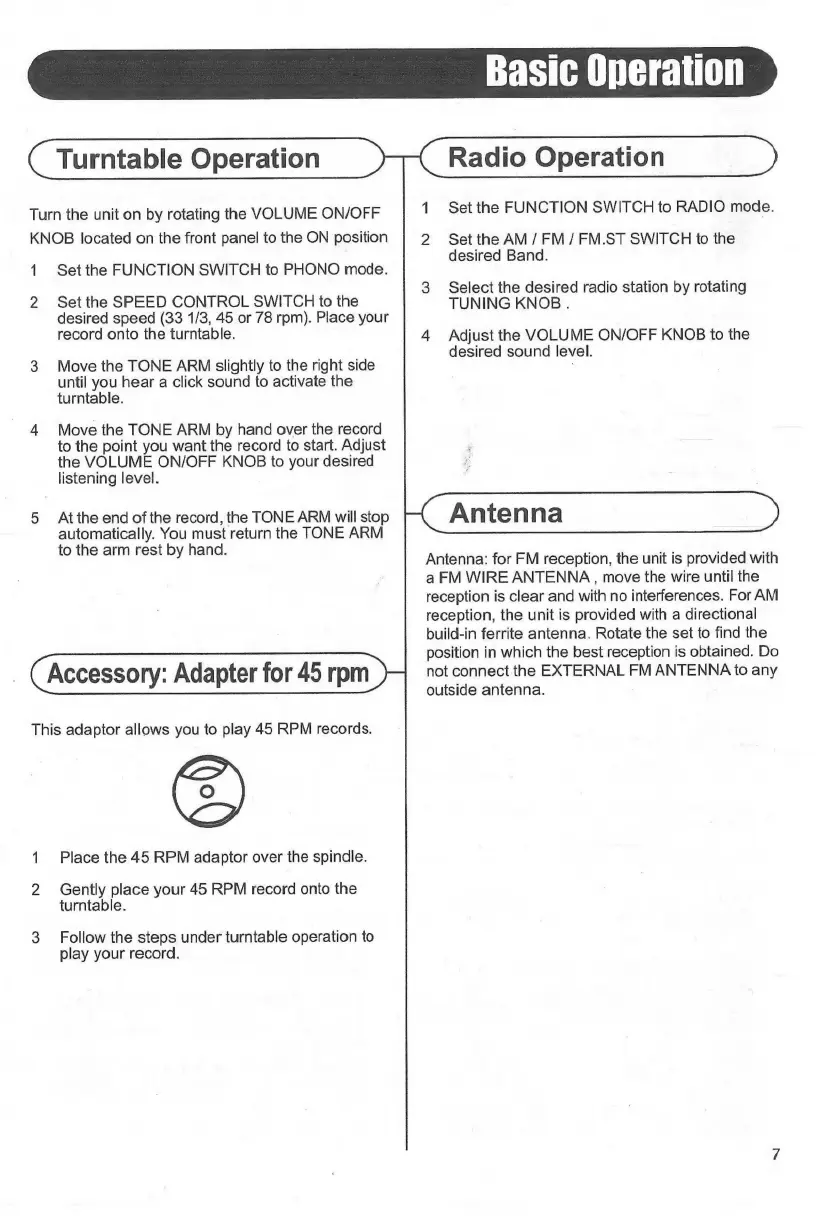
Turn
the
unit
on
by
rotating
the
VOLUME
ON/OFF
KNOB
located
on
the
front
panel
to
the
ON
position
1
2
Set
the
FUNCTION
SWITCH
to
PHONO
mode.
Set
the
SPEED
CONTROL
SWITCH
to
the
desired
speed
(33
1/3,
45
or
78
rpm).
Place
your
record
onto
the
turntable.
Move
the
TONE
ARM
slightly
to
the
right
side
until
you
hear
a
click
sound
to
activate
the
turntable.
Move
the
TONE
ARM
by
hand
over
the
record
to
the
point
you
want
the
record
to
start.
Adjust
the
VOLUME
ON/OFF
KNOB
to
your
desired
listening
level.
At
the
end
of
the
record,
the
TONE
ARM
will
stop
automatically.
You
must
return
the
TONE
ARM
to
the
arm
rest
by
hand.
Accessory:
Adapter
for
45
rpm
This
adaptor
allows
you
to
play
45
RPM
records.
Place
the
45
RPM
adaptor
over
the
spindle.
Gently
place
your
45
RPM
record
onto
the
turntable.
Follow
the
steps
under
turntable
operation
to
play
your
record.
1
Eh
Set
the
FUNCTION
SWITCH
to
RADIO
mode.
Set
the
AM
/
FM
/
FM.ST
SWITCH
to
the
desired
Band.
Select
the
desired
radio
station
by
rotating
TUNING
KNOB
.
Adjust
the
VOLUME
ON/OFF
KNOB
to
the
desired
sound
level.
Antenna:
for
FM
reception,
the
unit
is
provided
with
a
FM
WIRE
ANTENNA
,
move
the
wire
until
the
reception
is
clear
and
with
no
interferences.
For
AM
reception,
the
unit
is
provided
with
a
directional
build-in
ferrite
antenna.
Rotate
the
set
to
find
the
position
in
which
the
best
reception
is
obtained.
Do
not
connect
the
EXTERNAL
FM
ANTENNA
to
any
outside
antenna.

Related product manuals