13
Clip SGD
%
X
%
X
Ifcalibrationfails,
X
iconwillappearonthe
display.Ifthiscontinues,pleasecontactthesales
representativeorCrowconcustomersupport.
5.2 Standard Gas Calibration
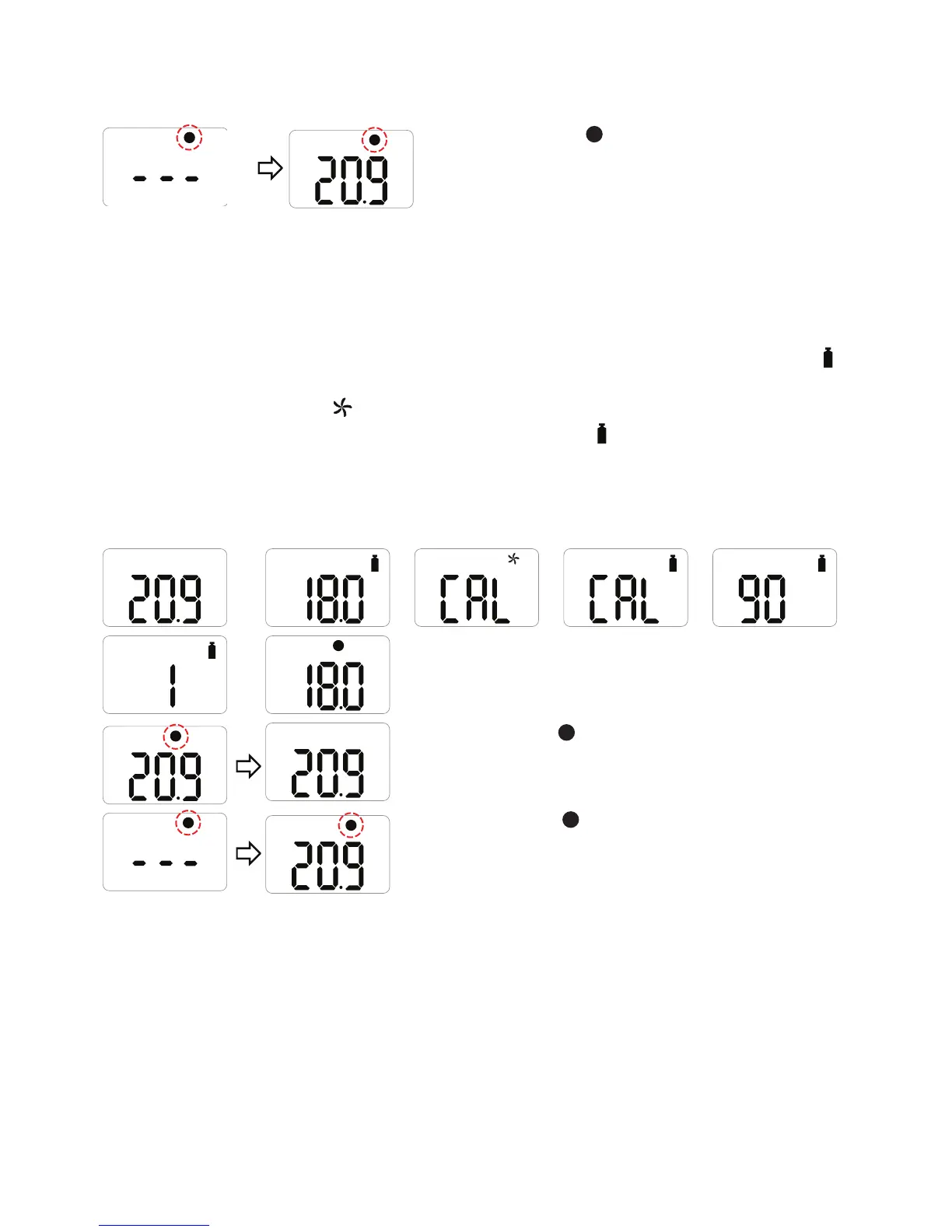
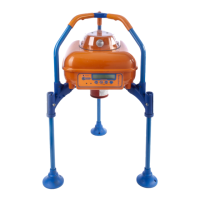
ToperformaStandardGasCalibration,usingthesuppliedcalibrationcapconnectthe
appropriategascylindertothedevice.
•PressthebuttontonavigatetoCalibrationMode,thecalibrationiconwillbeshown,
.
•Pressandholdthebuttonfor5seconds,‘CAL’andthefreshaircalibrationiconwillbe
displayedonthescreen,
.
•Pressthebuttononceuntilthecalibrationiconisshown,
.
•Pressandholdthebuttonfor3secondstoinitiatetheStandardCalibration.Whenthe
calibrationbegins,acountdown(60secondsormoredependingonthegastype)will
appearonthescreen.
%
VOL
%
VOL
%
V
%
V
%
Oncecompleted,
V
iconwillappearforseveral
secondsonthedisplay.Thedevicewillthenreturnto
GasMeasurementmode.
%
X
%
X
Ifcalibrationfails,
X
iconwillappearonthedisplay.
Ifthiscontinues,pleasecontacttheauthorised
resellerortheCrowconcustomersupportteam.


 To Next Page