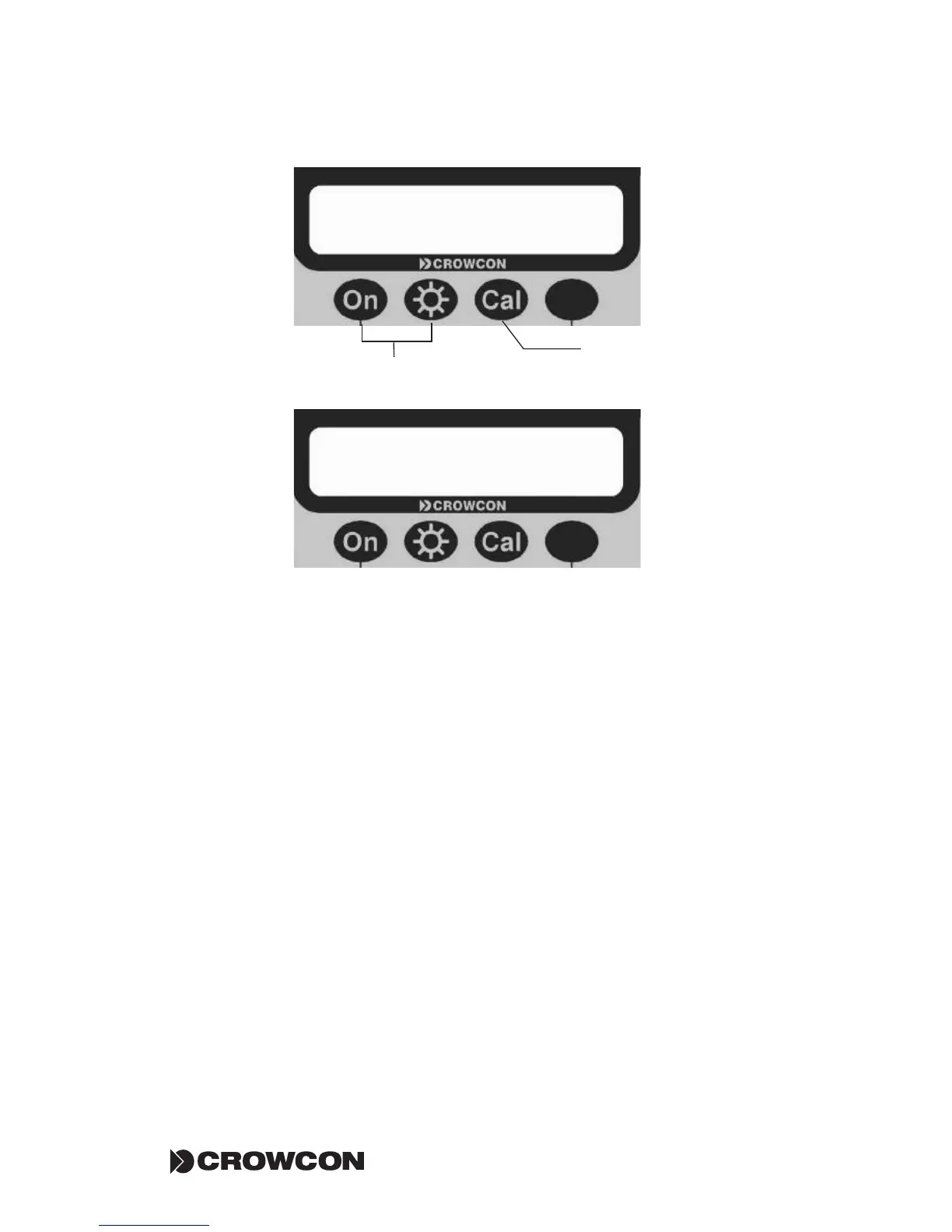
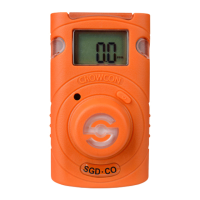
Press the first button to save the change and move the menu back up a level,
and the last key to leave the selection as it was (unchanged) and move back
up a level.
The menu system has timeouts on all operations. If no keys are pressed within
about 20 seconds the system steps back one level at a time. Changes that have
been accepted by pressing YES to the save changes prompt are retained. Any
change that has not been explicitly saved will be lost.
The following parameters are modifiable via the instrument front panel but-
tons, and are displayed on the screen in the following order:
ZERO FLAMM LEVEL PUMP CALIB DISPY ALARM START BUTTN TIME
OFF LIGHT
Details of each parameters are given in section 4.2, a road map of the menu
system can be found on page 36.
<< >> QUIT
START : ZERO & LOG
Press the CAL button to
select option and QUIT
menu
Use these buttons to scroll
through options (Section 4.2)
YES NO
Save the changes made?


 To Next Page