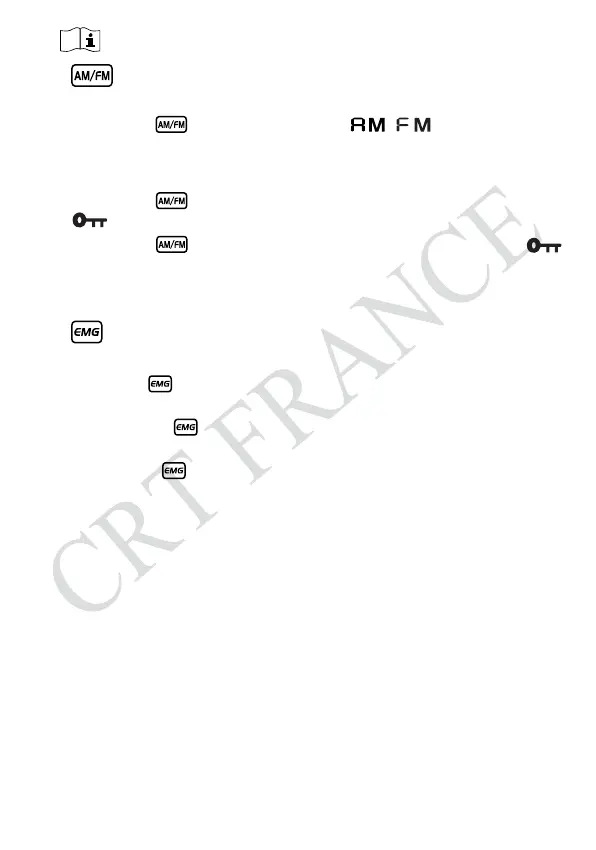
※Mode Control (short press)
※Emergency Channel (short press)
※Functions (long press)
※Keypad Lock (long press)
(1)
Short press , key to switch between / mode.
(2)
The LCD displays the selected mode.
(1)
First press , key to choose the first programmed emergency channel,
LCD displays
EMG1
.
(2)
Second press , key to choose the second programmed emergency
channel.
(3)
Third press , key to return to last normal channel, LCD displays
EMG2.
Note:
The default emergency channel are channel 9 and channel 19.
See menus Emergency Channel Set page 11 for the emergency channel
configuration.
(1)
Hold [
UP
]/[
DN
] for over 5 seconds, when you hear /
di di
/, scan started.
(2)
Short press [
UP
]/[
DN
] key to change scan direction.
(3)
Short press [
AM
]/[
FM
] to change mode, short press EMG or [
PTT
] to exit
scan.
Long press key to enter in memu and set different function.
(1)
Long press key for over 2 seconds to lock the keys, LCD displays
.
(2)
Long press key for over 2 seconds again to unlock the keys
disappears form LCD.
Note:
In lock Mode all keys except PTT is valid.
3.5
..................................................................................................
3.6
.....................................................................................................
3.7
Scan Function
...................................................................................
- 7 -


 To Next Page