Crumar Seventeen and Seventeen "Parsifal" User's Manual
Performance mode
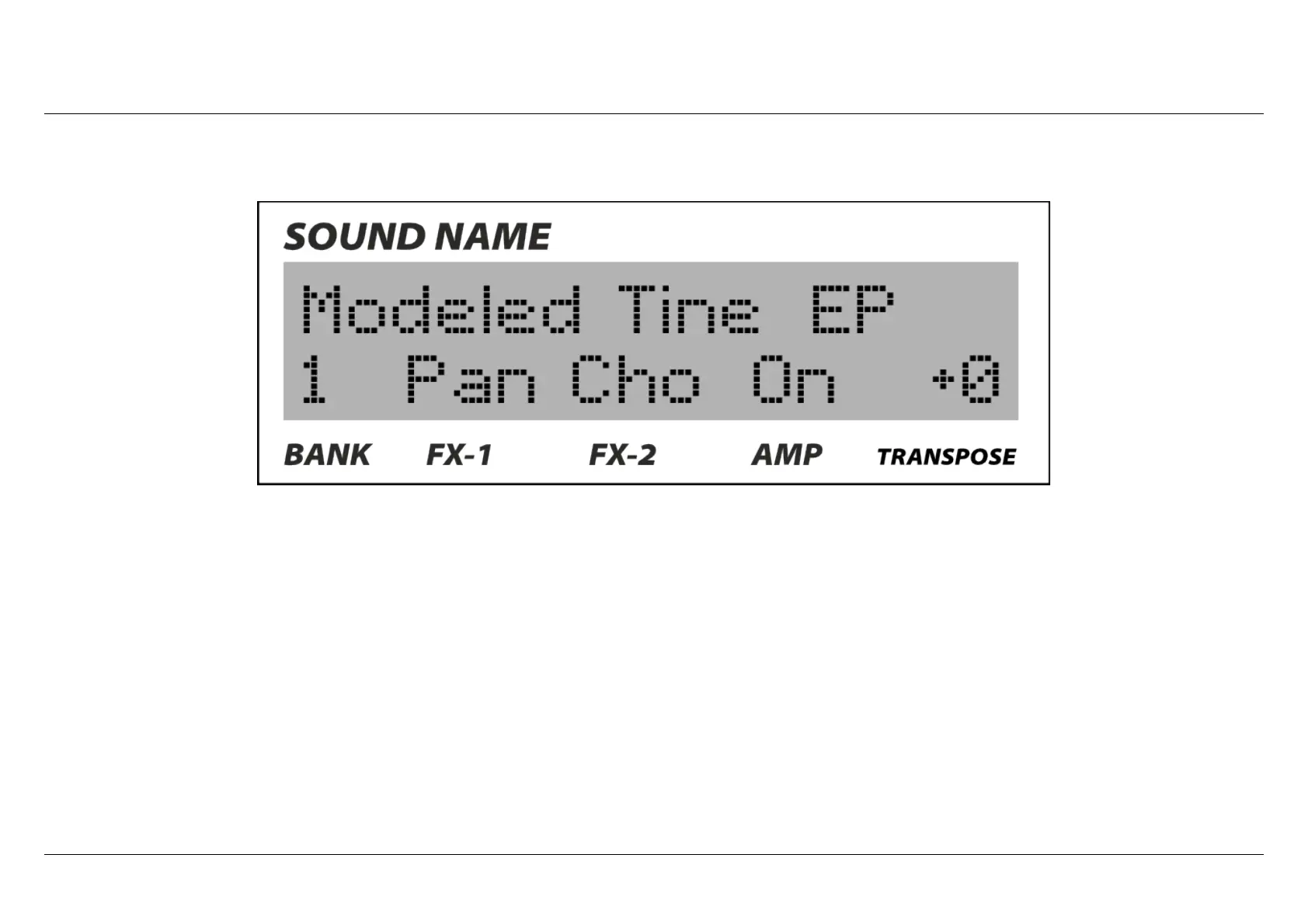
In "performance" mode, in the upper part of the screen, the display will show the name of the sound you are using: if you switch to a
preset that is using another sound, that name will change. If you are in "edit" mode, you select another sound and then you exit from
the "edit" mode with the new sound selected, the screen will still show the name of the old sound until you save the new preset. In the
lower part you can see the number of the bank you are now, the status of the FX-1and FX-2 (if they are ON, it will also show the type of
effect), the status of the AMP simulator (ON or OFF) and the amount of transpose.
The transpose is considered a "performance" function, like the volume for example, that's why you don't have to enter the "edit" mode
in order to modify it, just hold the EXIT button, turn the value encoder and you will see the amount of transpose changing there. The
range is +/- 7 semitones.
Crumar Seventeen User's Manual - Page 14



 To Next Page