Crumar Seventeen and Seventeen "Parsifal" User's Manual
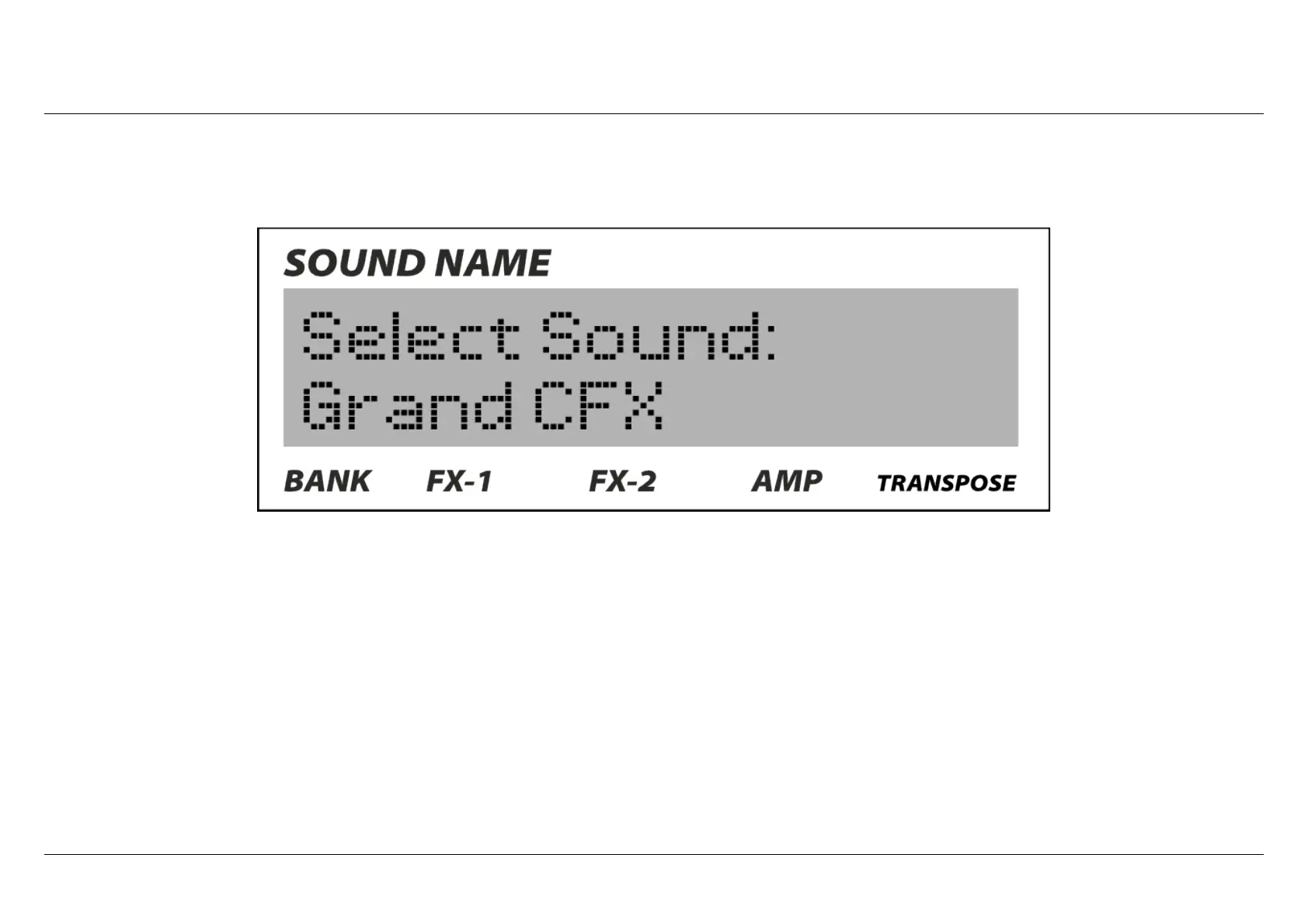
Edit mode: first screen.
To access the "edit" mode, just press the "EDIT" button: the first screen that will appear is the selection of sound. In order to navigate
the other options of the "edit" mode, just scroll the value encoder; instead, if you would like to enter that specific section (in this case
the selection of sound), just press the EDIT button again (Enter): now moving the encoder knob will scroll through the different sounds
available. To confirm press "EDIT" (enter/yes) again. If you want to go back just press the "EXIT" button (back/no). If you would like to
completely exit the "edit" mode and go back to "performace" mode, simply use the EXIT button again. The entire menu works exactly
like that, very simple.
Every setting has its own value and these can be expressed in different ways: they can be "names", text values, "OFF and ON", values
between 0 and 127, values expressed in Hz or milliseconds or decibell, values typical of MIDI like for example number of channel; some
important selections need a double confirmation.
Crumar Seventeen User's Manual - Page 15



 To Next Page