Crumar Seventeen and Seventeen "Parsifal" User's Manual
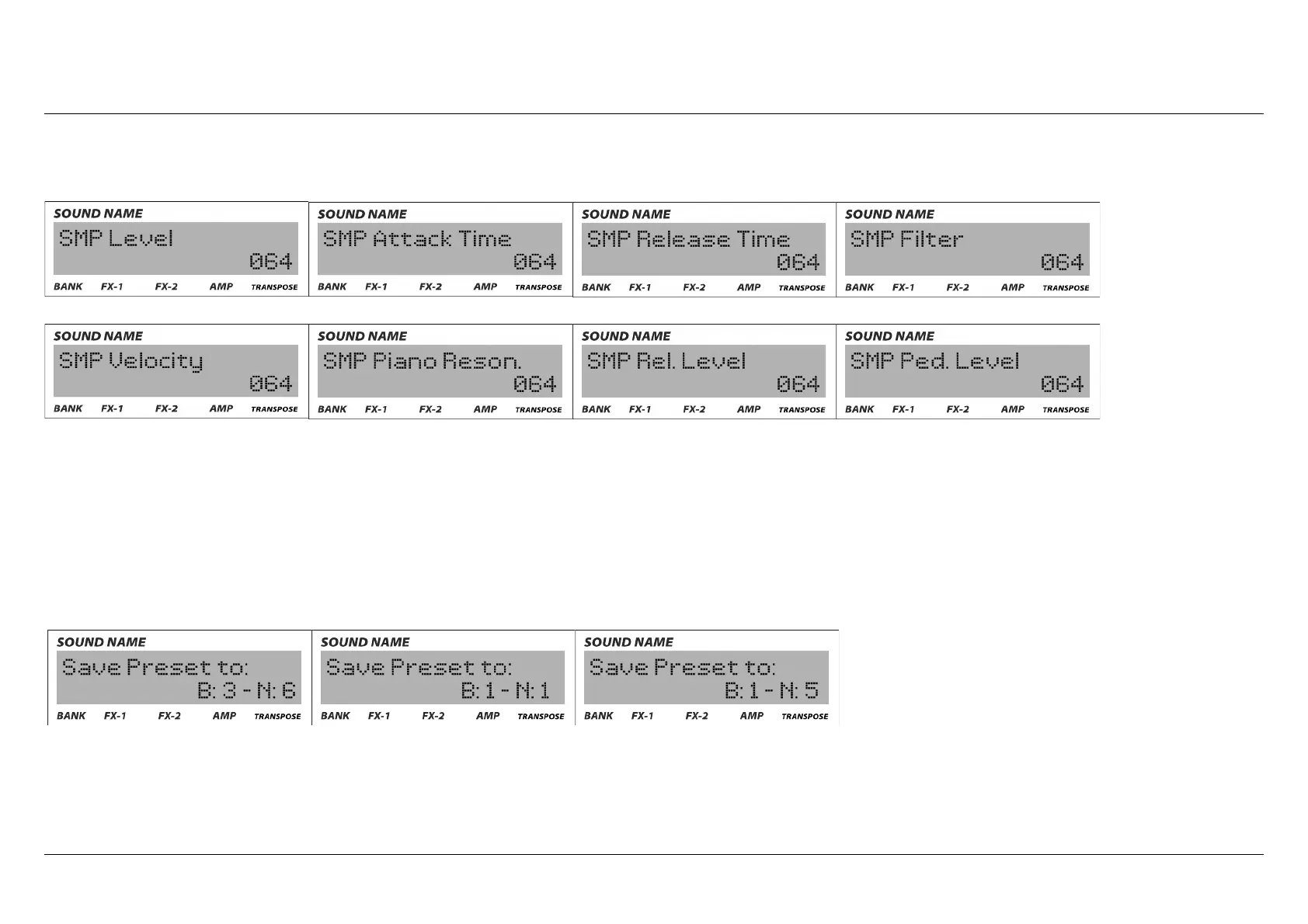
4) Sample section (SMP): these are all the settings you can modify for the sampled sounds.
5) Presets management section: in this section you can move presets to difference locations (bank and preset number), store custom
modified sounds, export presets on a USB dongle connected to the system port or import from it. For re-allocate the presets, overwrite
and existing one or simply to save a new one you have to go in the page of the menu called "Save Preset to:" You first have to select the
bank number (B ) and then the number of the preset (N). There's a quick way to "overwrite" the existing preset without entering this
page of the menu: while in "performance" mode, just press and hold the "EDIT" button for a few seconds.
Crumar Seventeen User's Manual - Page 19



 To Next Page