Crumar Seventeen and Seventeen "Parsifal" User's Manual
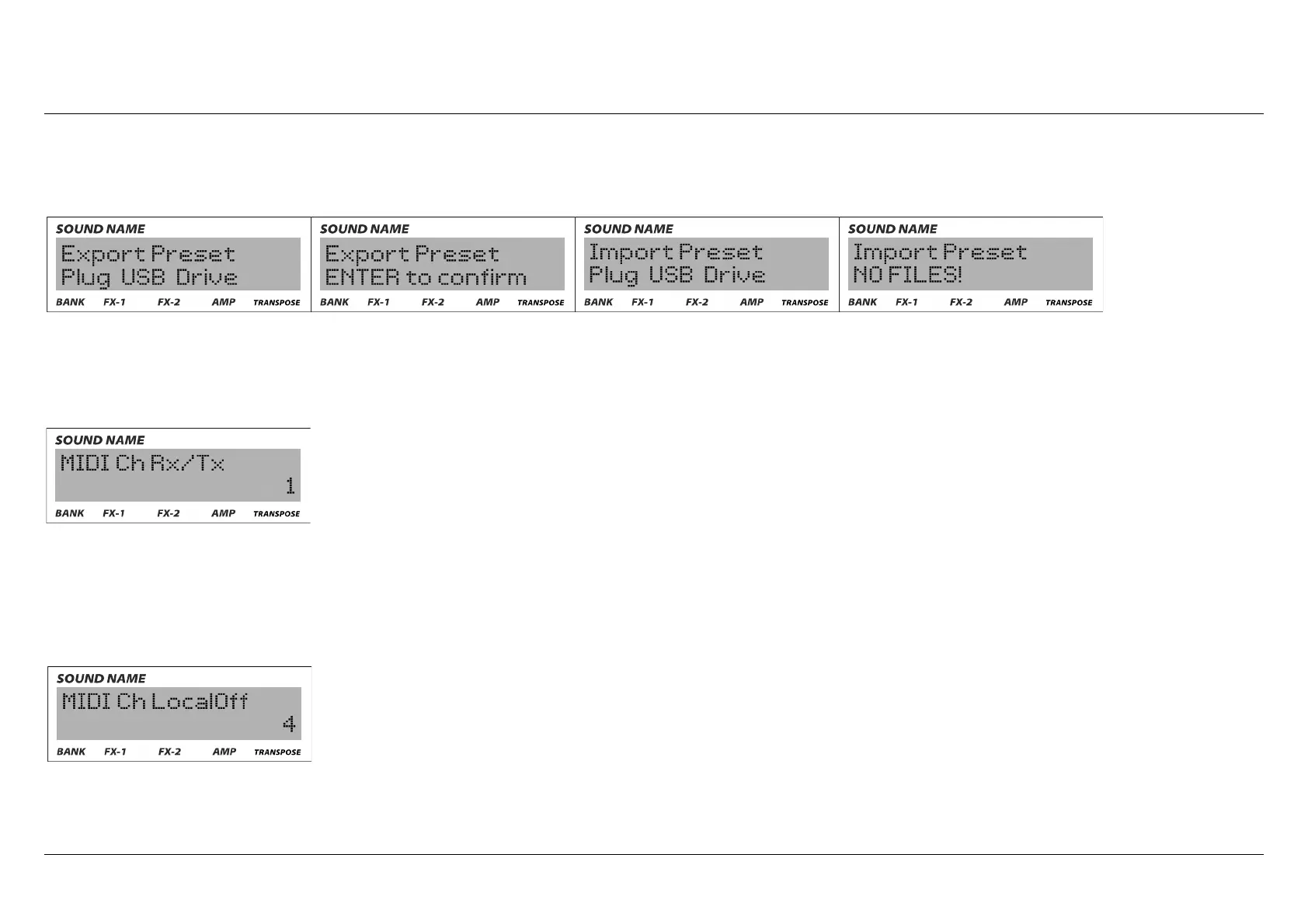
For import/export operations you first need to plug a compatible USD drive to your instrument, and a confirmation is asked. If the USB
drive is not found or the files are not compatible, the display will return an error message:
6) Global settings: here you can modify the MIDI settings of your instrument: the first option is the MIDI receiving and trasmitting
channel. The instrument can't send and receive MIDI datas from different channels, you can choose from Channel 1 to Channel 16.
Seventeen has a dedicated button in the panel for MIDI LOCAL OFF: when this function is engaged, the instrument does not produce
sound anymore and it will start sending MIDI messages on a MIDI channel that you can choose between 1 and 16.
Crumar Seventeen User's Manual - Page 20



 To Next Page