Need help?
Do you have a question about the Crypto ReDi 270 and is the answer not in the manual?
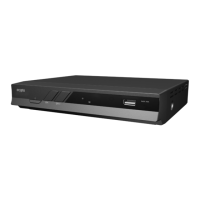
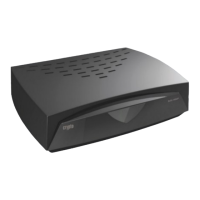
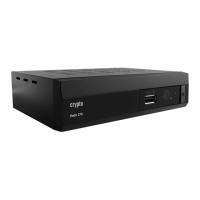
Details about the ReDi 270 device, including its front and rear panels.
Overview of connecting the device to various TVs and Hi-Fi systems.
Illustrates common connection methods to TV and Hi-Fi equipment.
Guides the user through the initial welcome menu and channel search.
Explains methods for selecting TV channels: list, number, or on-screen list.
Instructions on how to navigate and use the EPG feature.
Process for automatically searching and storing channels.
Procedure for manually searching and storing channels.
Option to filter search results for free-to-air channels only.
Setting the country for region-specific tuning and channel lists.
Management of the Logical Channel Numbering (LCN) feature.
Tools for managing channels: Lock, Skip, and Move.
Creating and organizing favorite channel lists (Fav1-Fav4).
Setting the language for the On-Screen Display.
Adjusting the display duration for OSD messages.
Configuring the transparency level of OSD elements.
Settings related to Personal Video Recorder (PVR) functionality.
Setting programmable timers for recording or wake-up events.
Enabling parental controls and managing PIN for menu access.
Configuring the device's region and time settings.
Resetting the device to its original factory default settings.
Instructions for updating the device software using a USB drive.
Setting the automatic power-off timer for the device.
Playing video files from a connected storage device.
Listening to audio files stored on a connected device.
Viewing image files from a connected storage device.
Managing recorded video files and PVR functions.
Pausing and resuming live TV broadcasts, allowing time-shifted viewing.
Recording the currently watched program with a single button press.
Setting up future recordings of specific programs.

 To Next Page
 General