34 NVeDVR User Guide
500-1421E rev1.2
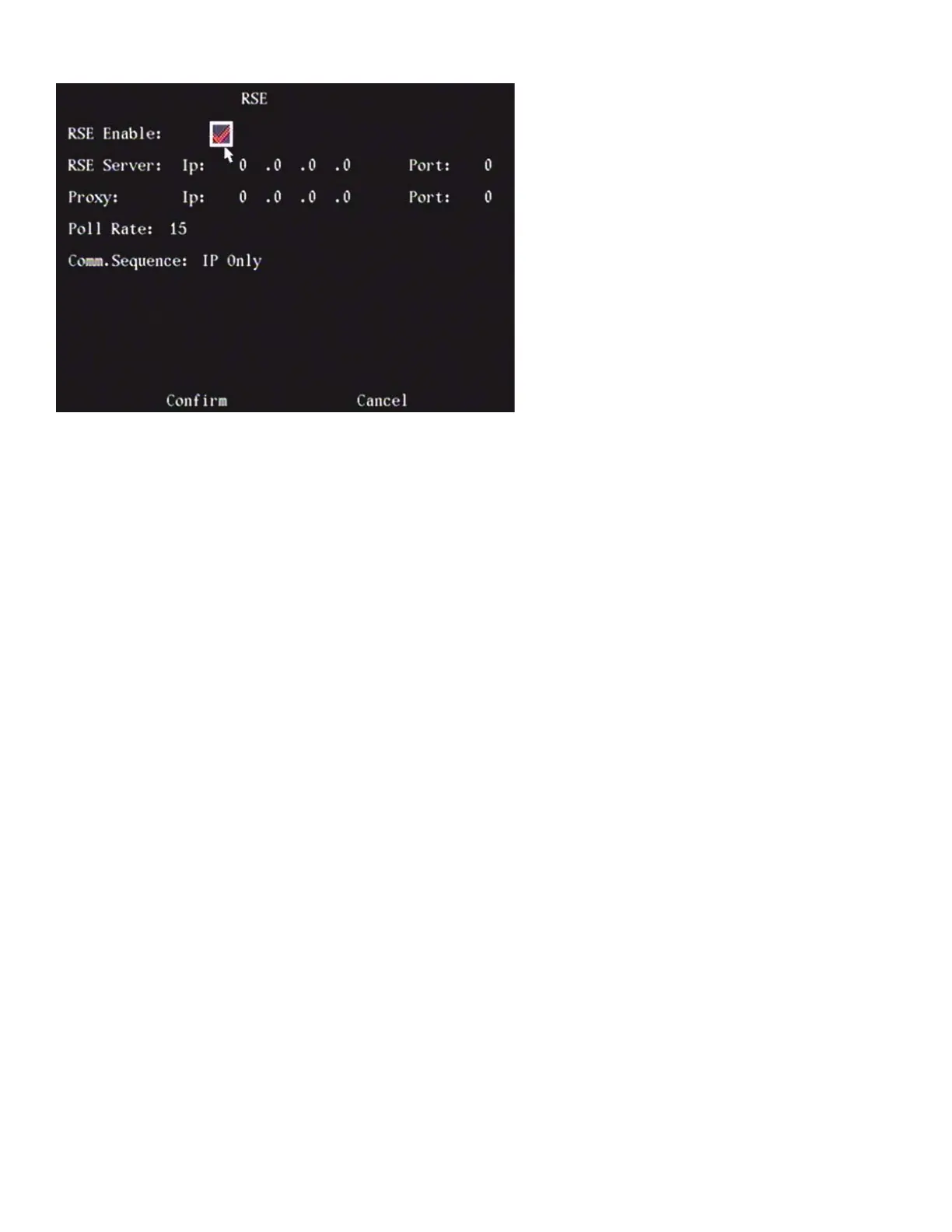
RSE (Remote Service Environment)
To make selections in the RSE screen:
1. Use the “◄”, “►”, “▲” and “▼” arrow buttons on the DVR controls or remote control or mouse pointer to high light
the screen selections.
2. Press “EDIT” to change a selection
3. Use “▲”, “▼” to change the selection. Left click the mouse to change the selection.
4. Press “ENTER” to save a selection and return to the Image Menu.
5. After making changes, press Confirm to save the changes or Cancel to not save the changes.
• Enable RSE by changing the “×” to a check mark “9”.
• Enter the RSE Server IP/Port
• Enter the proxy IP/Port
• Enter the Poll Rate
• Select the Comm(unication) Sequence:
− IP Only.
− PSTN Only. Enter the RSE User(name), Pass(word), Phone Number.
Press Confirm to save changes or Cancel not to save changes and return to the previous menu.



 To Next Page