500-1421E rev1.2 NVeDVR User Guide 51
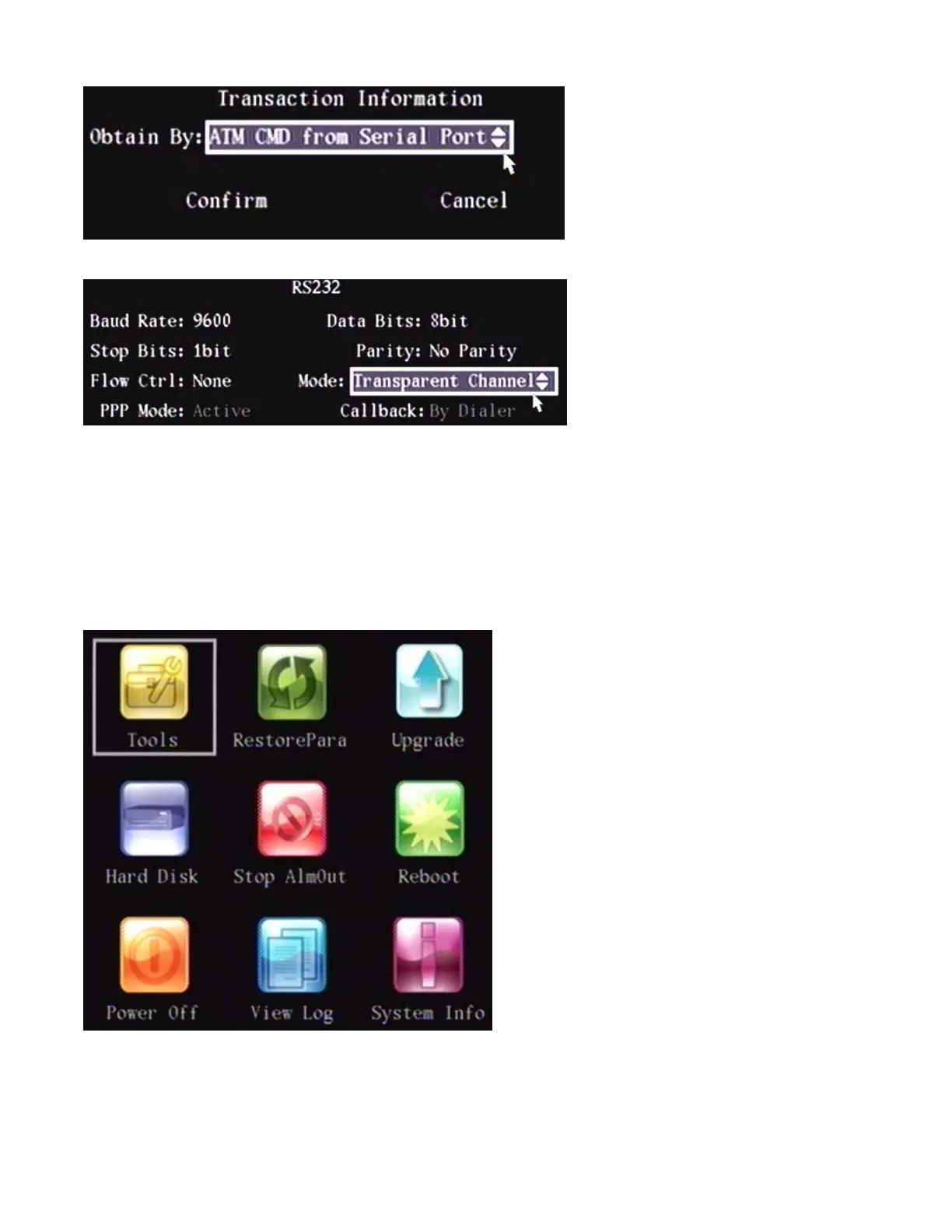
Obtain By: ATM CMD from Serial Port
NOTE: “Transparent Channel” must be selected in the RS-232 menu for this operation.
Software must be used in the ATM machine and a command must be sent to the DVR through the RS-232 port based
on the manufacturer’s communication protocol.
Press Confirm to save changes or Cancel not to save the changes and return to the Main Menu.
Utilities Menu
There are several selections in the “Utilities” secondary menu to assist with operation of the DVR.
High light the Utilities icon in the Main Menu and press “ENTER” at the DVR controls, remote control or left click with a
mouse to open the configuration screen.



 To Next Page