42 NVeDVR User Guide
500-1421E rev1.2
Protocol: (PTZ camera brands)
Select from one of the supported PTZ protocols:
Pelco-D (default) TLHHX-2000 Tc Pelco P ADR8060 TECHYIN LCU
VCOM VC-2000 BBV Tc Pelco D EVI-D30 WEIHAN DennarDome
NetStreamer RM110 AUTO-M DEMO-SPEED LG Phillips
SAE/YAAN KC3360S AUTO-H DM-PELCO-D D-MAX Sample
Samsung ACES ANTEN ST832 Panasonic PLD
Kalatel-312 ALSON CHANGLIN LC-D2104 KTD-348 Parco
CELOTEX INV3609HD DeltaDome HUNTER infinova HY
TLPelco-p Howell XYM-12 A01 PIH-7625 NAIJIE
CAT_KING DH_CC440 YouLi
YH_06 TX_CONTROL_232 LiLin
SP9096X VCL_SPEED_DOME LinLin-820
M_PANEL ST_2C160 Pelco-p
M_MV2050 TIANDI DM DynaColor
SAE_QUICK TWHC HD600
RED_APPLE USNT JC-4116
NK08G KALLATENVD2200PS Pelco-d WX
NOTE: In the DVR PTZ menu, if the Pelco-P protocol is selected, when the PTZ address is configured, offset the PTZ
address by +/– 1 from the Camera ID. Example: the Camera ID is 2, set the DVR PTZ address to 3 or 1.
PTZ Addr:(ess)
Enter the PTZ camera address.
PTZ Preset
NOTE: Ensure the PTZ camera supports preset functions before beginning.
Program the PTZ camera’s position, zoom, focus and iris.
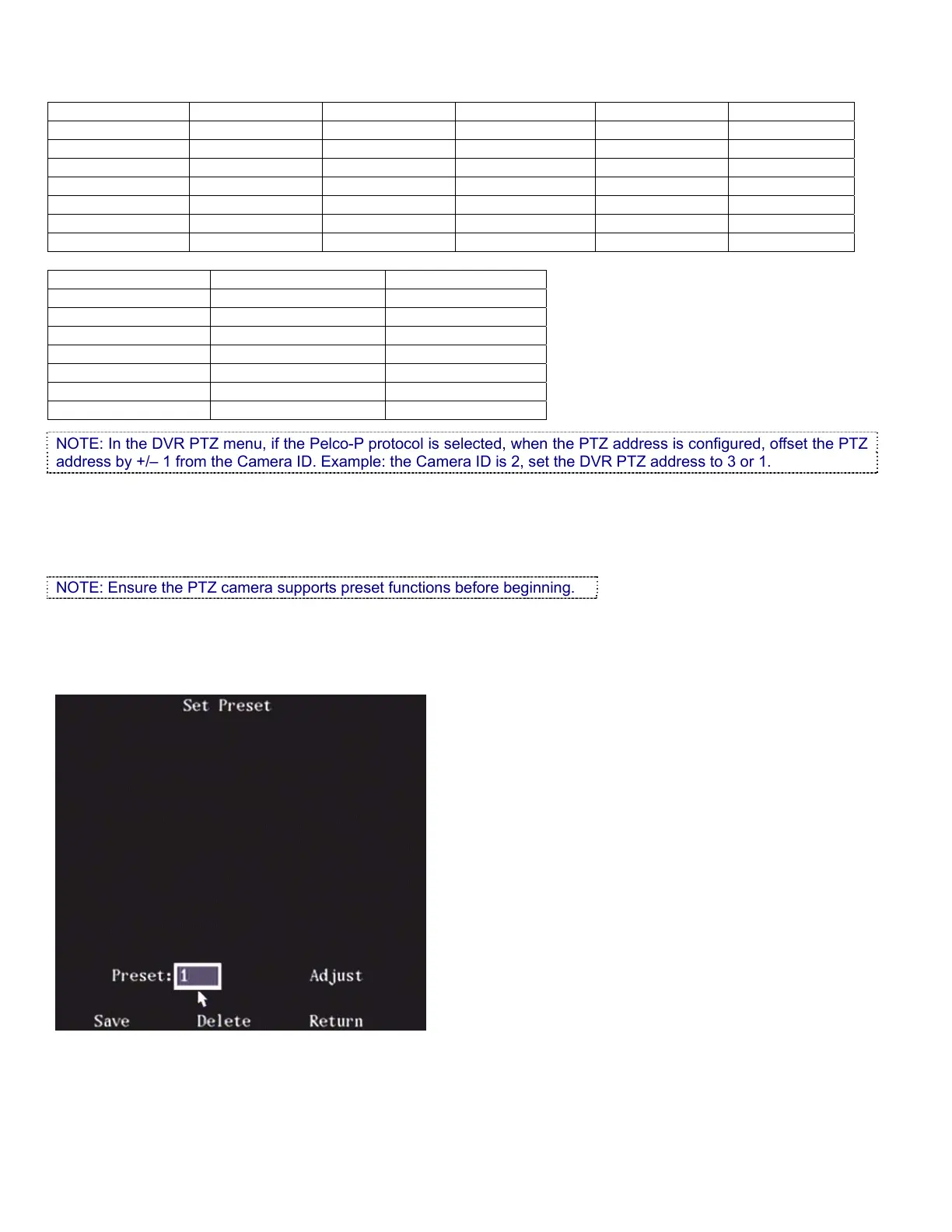
1. Highlight the Setup button on the right side of the “Preset:” selection.
2. Press “ENTER” on the DVR controls, remote control or left click a mouse to display the preset configuration
menu. 128 presets can be created.
3. Input the preset number (1-128) in the Preset box.
4. Press the Adjust button to open the PTZ control screen.



 To Next Page