EasyManua.ls Logo

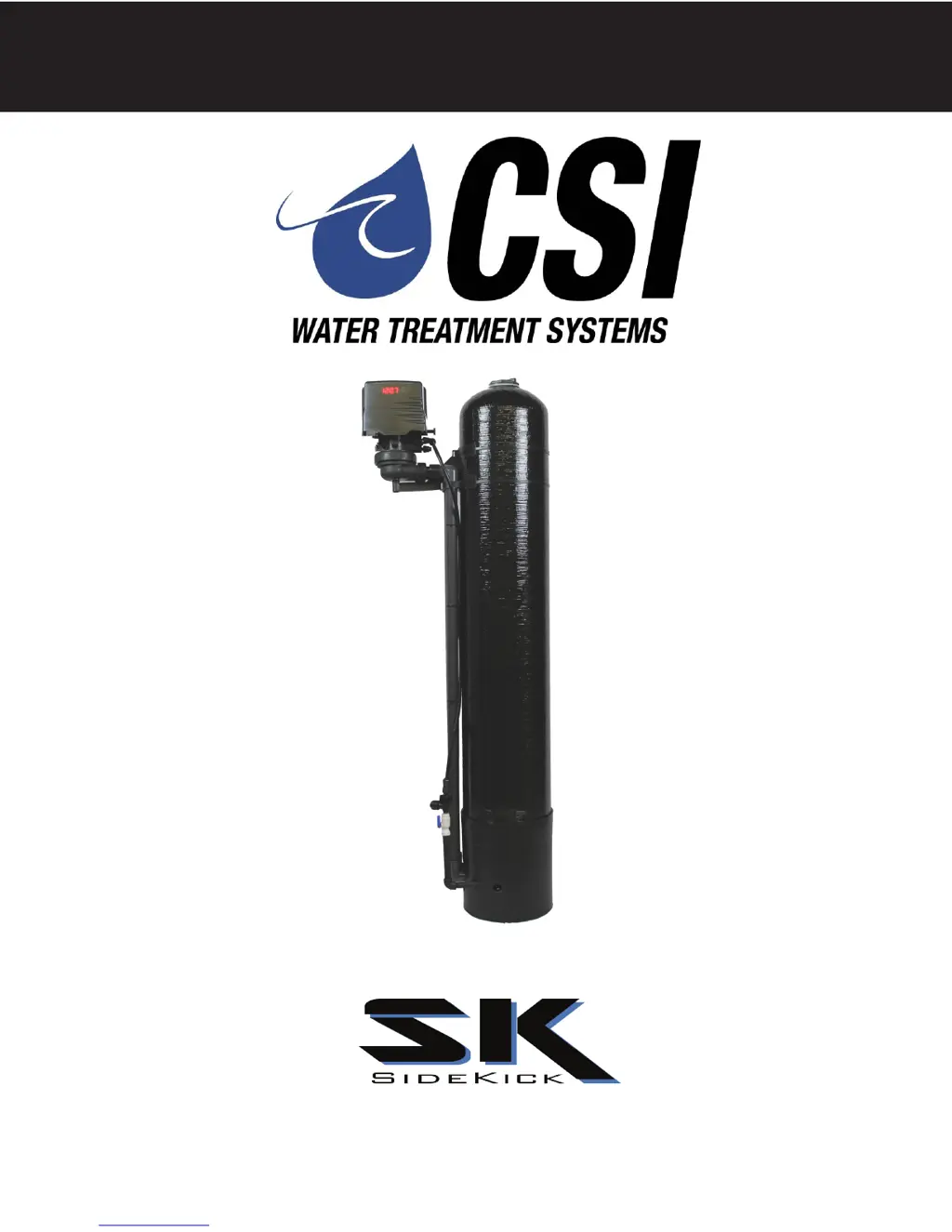
CSI signature 2 SK15 - User Manual

CSI signature 2 SK15
24 pages
Print Icon
To Next Page IconTo Next Page
Loading...
SIGNATURE 2
Signature 2
Installation / Operation
Manual

Questions and Answers

  • D
    dmayAug 2, 2025
    How to fix a CSI Water Filtration System that fails to regenerate automatically?
    • W
      William AndersonAug 2, 2025
      If your CSI Water Filtration System fails to regenerate automatically, check the following: Ensure the power supply is connected to a constant power source. Reset the program settings in case of improper control valve programming. If the power supply is defective, replace it. Also, a defective drive motor can prevent regeneration, so replace the motor if necessary.
  • J
    James ReynoldsAug 10, 2025
    Why is my CSI Water Filtration System regenerating at the wrong time?
    • S
      Stephen BennettAug 10, 2025
      Regeneration at the wrong time in your CSI Water Filtration System can be due to a few reasons. If the time of day is improperly set, perhaps due to a power failure, reset the time of day programming and install a 9-volt battery. Another cause could be that the regeneration time is set improperly; in this case, reset the regeneration time programming.
  • H
    heatherbrownAug 17, 2025
    Why is my CSI Water Filtration System losing water pressure?
    • C
      Cassandra WaltonAug 17, 2025
      Loss of water pressure in your CSI Water Filtration System can occur due to several reasons. Scaling or fouling of the inlet pipe can restrict water flow; clean or replace the pipeline and consider pretreatment to prevent recurrence. Fouled media can also cause pressure loss; clean the media and pretreat to prevent future fouling. Finally, an improper backwash setting may be the culprit; try backwashing more frequently.
  • J
    Jamie GibsonAug 25, 2025
    What to do if my CSI Water Filtration System has poor water quality?
    • R
      ryan72Aug 26, 2025
      If your CSI Water Filtration System is producing poor water quality, several factors could be responsible. Ensure the bypass valve is closed. Check for channeling, which may be caused by service flow that is too slow or too high, or by media fouling. If there is a lack of aeration in the water, program the valve to draw air more frequently. Also, increase the number of minutes in the air draw cycle and clean the injection assembly and screen.

Summary

Installation

Electrical Connection

Control Start-Up Procedures

Main Menu Navigation and Time Setting

Guide to entering the main menu, setting time of day, AM/PM, days between backwash, and air draw cycles.

Master Programming Mode

Setting Regeneration and Backwash Times

Instructions for setting regeneration time of day and adjusting backwash cycle step durations.

Service Instructions

Pre-Service Preparation

Essential steps to perform before any servicing, including shutting off water and unplugging power.

Powerhead Replacement Procedure

Step-by-step guide for removing and installing the control valve powerhead assembly.

Piston Assembly Replacement

Instructions for removing and installing the piston assembly, including inspecting valve body contents.

Injector and Brine Valve Replacement

Procedures for replacing injector components and the brine valve assembly.

Troubleshooting Guide

Troubleshooting Common Issues

Guide to diagnosing and correcting common problems like regeneration failures, poor water quality, and pressure loss.

Control Valve Error Code Meanings

Explains specific error codes (e.g., Error 2, 3, 4, 5, 6) and their corresponding troubleshooting steps.

CSI signature 2 SK15 Specifications

General IconGeneral
Operating Temperature40-100°F
Flow Rate1.5 gallons per minute
Operating Pressure30-100 PSI
Contaminant ReductionChlorine
CertificationNSF/ANSI 42
InstallationUnder sink
Housing MaterialPlastic

Related product manuals