EasyManua.ls Logo

CSI REACTR RF15 - User Manual

CSI REACTR RF15
20 pages
Print Icon
To Next Page IconTo Next Page
Loading...
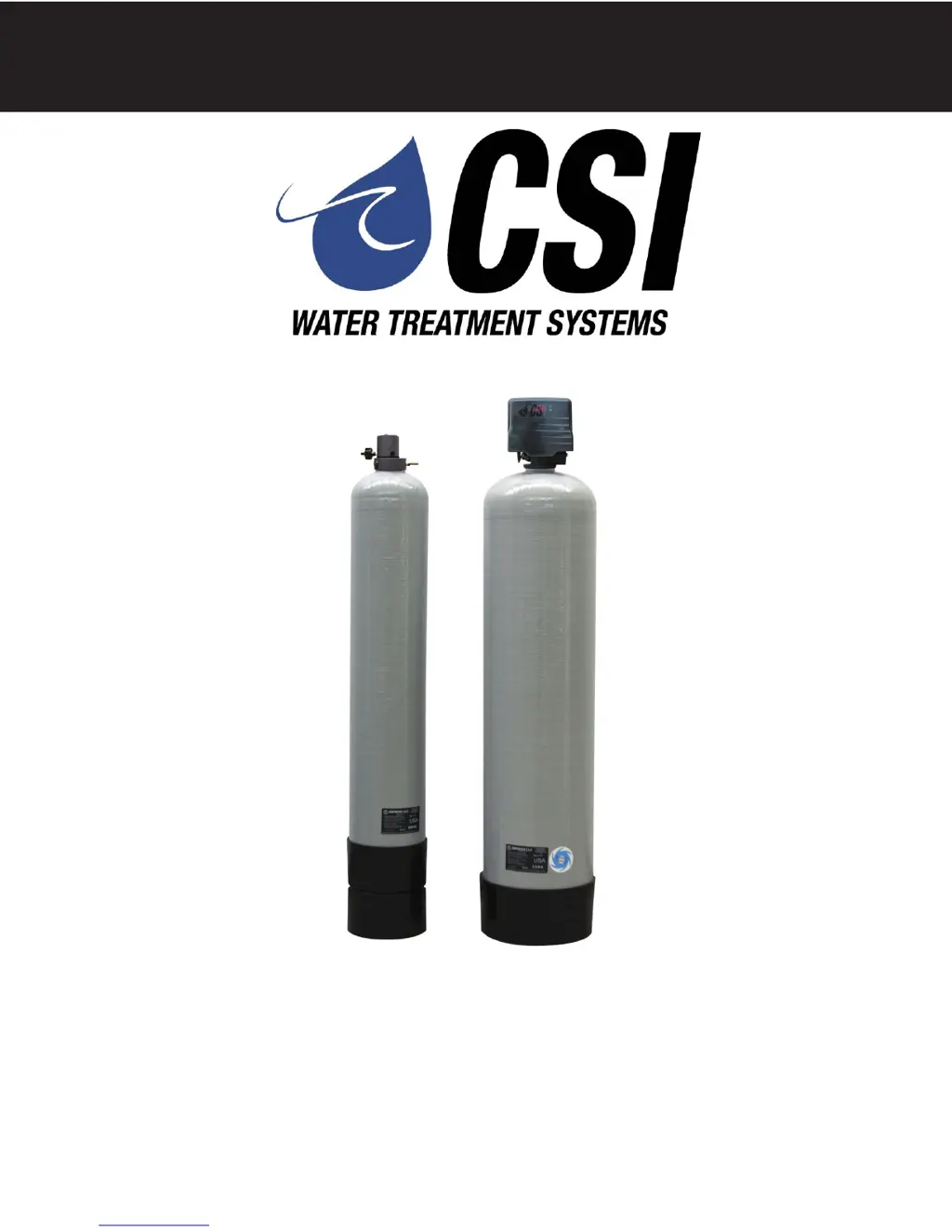
SIGNATURE 2 SERIES
Signature 2 Series
Reactr
Installation / Operation
Manual

Questions and Answers

  • I
    iwilliamsAug 2, 2025
    How to fix loss of water pressure in CSI Water Filtration Systems?
    • J
      Jon LeeAug 2, 2025
      If your CSI Water Filtration System experiences a loss of water pressure, it might be due to scaling or fouling of the inlet pipe. Try cleaning or replacing the pipeline and consider pretreatment to prevent recurrence. Fouled media can also cause this issue, so clean the media and pretreat to prevent future fouling. Additionally, check the backwash setting; backwashing more frequently might resolve the problem.
  • A
    Aimee WiseAug 9, 2025
    What to do if Reactr fails to regenerate automatically in CSI Water Filtration Systems?
    • C
      christophercampbellAug 9, 2025
      If the Reactr in your CSI Water Filtration System fails to regenerate automatically, several issues could be at play. First, ensure the power supply is connected to a constant power source. Intermittent or dead power sources can prevent regeneration. Second, improper control valve programming can be the cause, so reset the program settings. Third, the power supply itself may be defective, requiring a replacement. Finally, a defective drive motor can also prevent regeneration, and replacing the motor might be necessary.
  • M
    Michele WalterAug 17, 2025
    Why is my CSI Water Filtration System regenerating at the wrong time?
    • L
      Lisa ParkerAug 17, 2025
      If your CSI Water Filtration System regenerates at the wrong time, it could be due to a couple of reasons. The time of day might be improperly set, often resulting from a power failure. Reset the time of day programming and consider installing a 9-volt battery. Alternatively, the regeneration time itself might be set incorrectly; in this case, reset the regeneration time programming.
  • N
    njacksonAug 25, 2025
    Why is the water quality poor in my CSI Water Filtration System?
    • D
      david91Aug 26, 2025
      Poor water quality in CSI Water Filtration Systems can occur due to several reasons. One potential cause is an open bypass valve; ensure it is closed. Another cause could be channeling, which requires checking for service flow that is too slow or high, and also inspecting the media for fouling. Insufficient aeration can also lead to poor water quality, so verify air draw at the air inlet check valve while the well pump is running, and clean the air inlet check valve, reactr nozzle, and float assembly.

Summary

Installation Guide

Installation Procedure

Step-by-step guide for connecting the water supply, loading media, and attaching the control valve.

Initial Control Valve Operation

Procedures for running initial backwash and rinse cycles for media conditioning.

Control Start-Up and Configuration

Programming The Control Valve

Guide on setting time, AM/PM, days between backwash, and regeneration time.

Starting Extra Regeneration Cycles

Instructions on how to manually initiate or advance regeneration cycles.

Component Assemblies and Parts

Control Valve Powerhead Assembly

Exploded view and parts list for the powerhead assembly.

Valve Body Assembly

Exploded view and parts list for the valve body assembly.

Service and Repair Instructions

Troubleshooting and Error Codes

Troubleshooting Common Issues

Lists common symptoms, their probable causes, and recommended corrections.

Error Code Descriptions

Explains the meaning of different error codes displayed by the control valve.

CSI REACTR RF15 Specifications

General IconGeneral
BrandCSI
ModelREACTR RF15
CategoryWater Filtration Systems
LanguageEnglish

Related product manuals