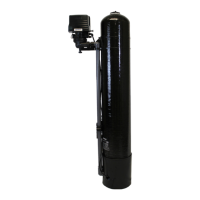
SIGNATURE 2 SERIES
Main Menu
12:00
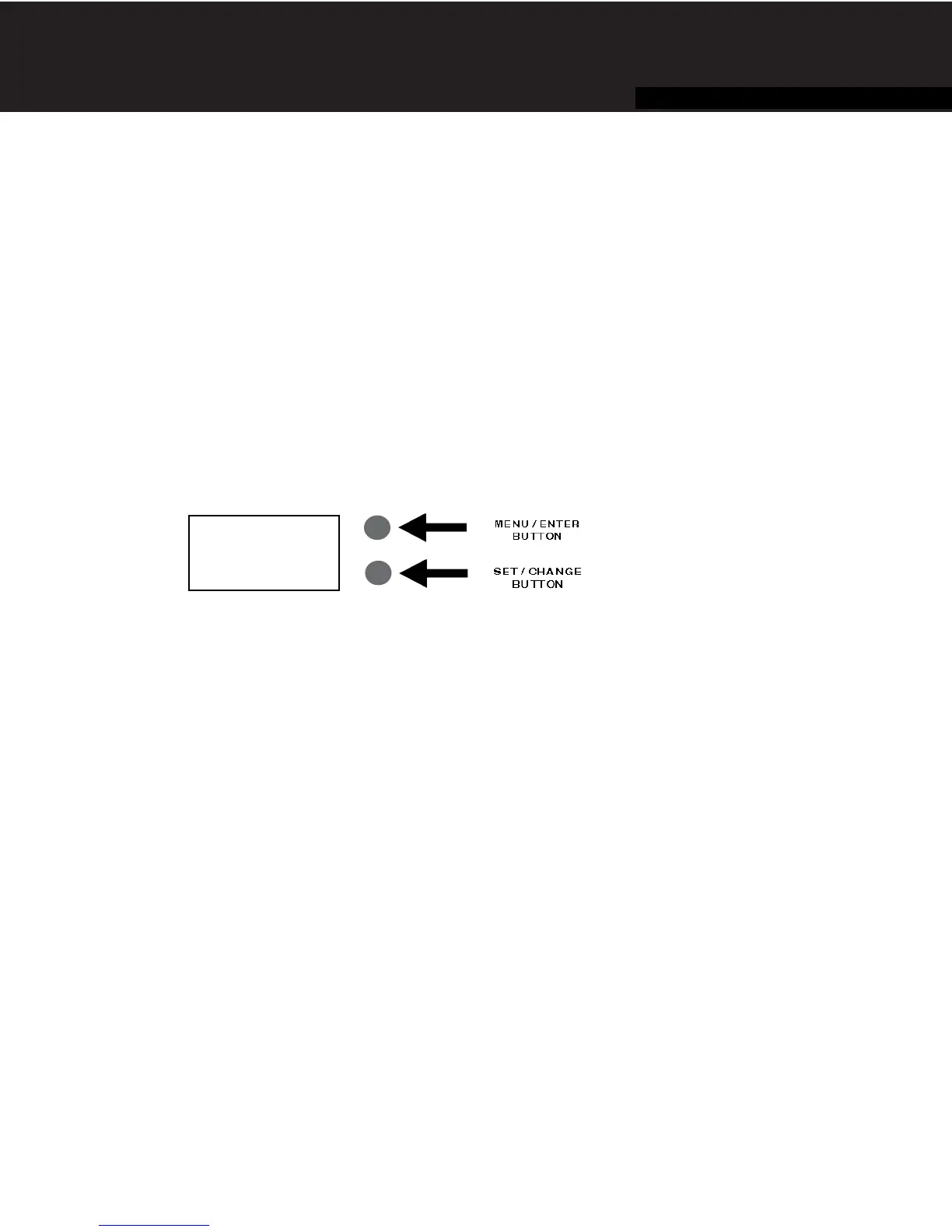
1. To enter Main Menu, press the Menu/Enter button.
(Time of Day will flash)
2. To set the Time of Day, press the Set/Change button.
(First digit will flash) Example (12:00) -
To change digit value, press the Set/Change button.
- To accept the digit value, press the Menu/Enter button.
- Next digit will flash to begin setting.
- Once the last digit display is accepted, all digits will flash.
3. To set A.M. or P.M., press the Menu/Enter button.
- To change digit value, press the Set/Change button. Example ( A )
- To accept the digit value, press the Menu/Enter button.
- Once A.M. or P.M. is accepted, the next menu item will flash.
4. a. To set the Number of Days between Backwash Cycles (A), press the Set/Change button. -
Repeat instructions from step (2). Example ( A - 06 )
Notes: 1) Maximum value is 29.
2) If value set to 0, Automatic Backwash will never occur.
3) Default setting is 6 days for filters.
5. To Exit Main Menu, press the Menu/Enter button.
Note: If no buttons are pressed for 60 seconds, the Main Menu will be exited automatically.
7
Control Start-Up Procedures
- Final Checkout -
1. Be certain that the bypass valve is in Service position and main valve is completely on.
2. Check electrical supply to be certain the cord is connected to an uninterrupted 115 volt outlet.
3. Be certain the warranty card is filled out and mailed in.
4. Leave this manual with the homeowner.
Important Notice - The plumbing system, piping, pressure tank, hot water tanks, softeners, etc. that have been exposed
to iron bearing water may need to be cleaned of the precipitated iron that has been collected in them or iron bleed thru
may be a problem. We suggest all tanks be drained and flushed thoroughly.
- Programming The Control Valve -
1. Set time of day.
2. Set a.m. or p.m.
3. Set number of days between backwash. (This generally will be every 4 to 6 days.)
4. Set regeneration time if other than 12:00 a.m. is desired.


 To Next Page