10350 Santa Monica Blvd. Suite 285,
Phone: 310-691-8920, 310-788-9840, Fax: 419-735-2419
Card Scanning Solutions 15
1.1.9. PaperInTray
Type
Property.
Direction
Read only.
Remarks
Detects is a document exists in the scanner tray. This property is equal 0 if no paper detected in tray or
non-zero if paper is in tray.
1.1.10. PressedButton
Type
Property.
Direction
Read only.
Remarks
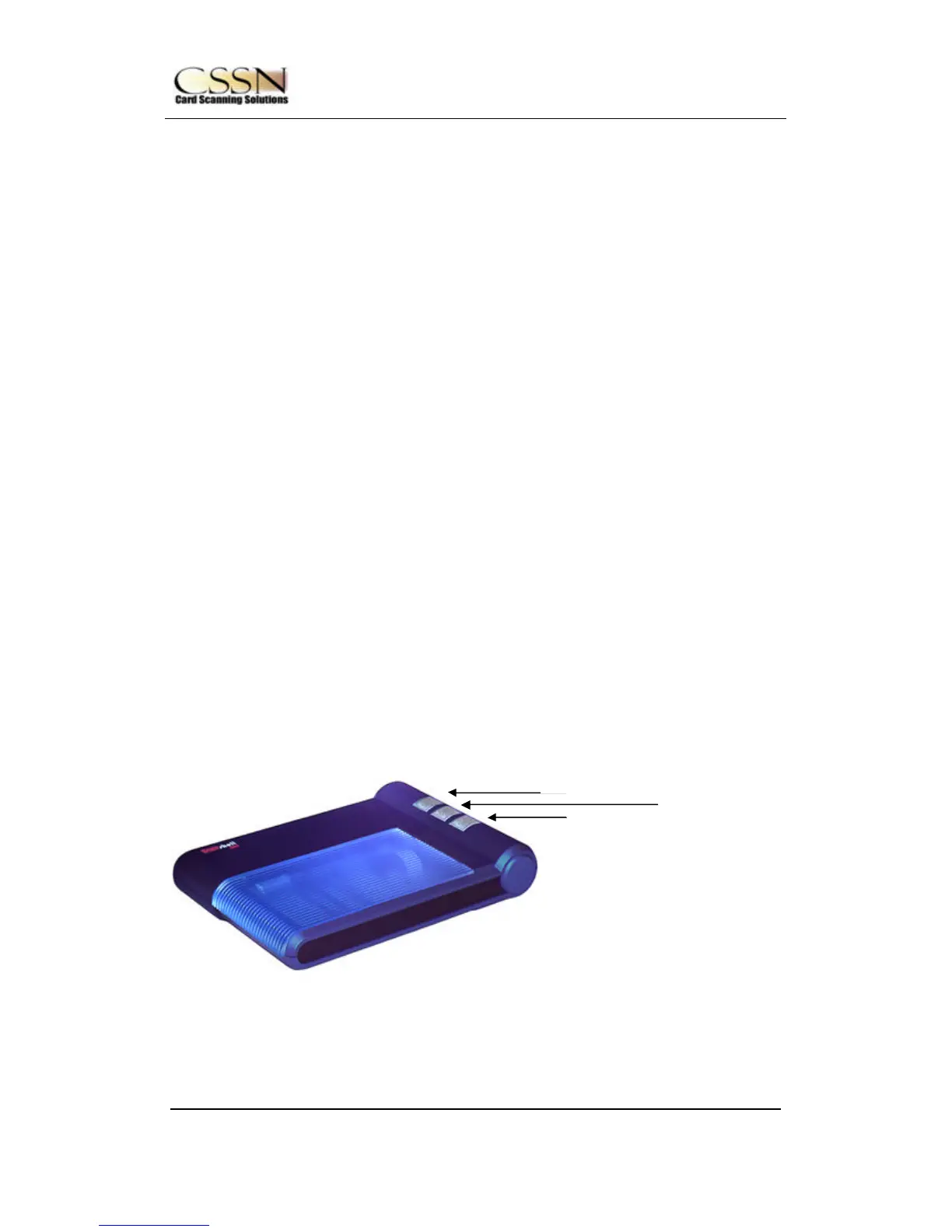
Returns the button number that was pressed (valid for only when using ScanShell1000 scanner model).
Read this value after reading the property PaperInTray (that indicate that one of the three buttons of the
scanner was pressed) to retrieve which button was pressed. The return value can be one of the
following:
TOP_BUTTON
MIDDLE_BUTTON
BUTTOM_ BUTTON
These values corresponds to the buttons shown in the following figure.
TOP_BUTTON



 To Next Page