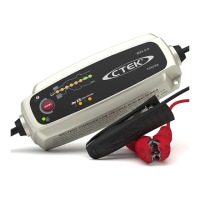
6 | CS ONE | USER MANUAL © CTEK SWEDEN ABWWW.CTEK.COM
OPERATING INSTRUCTIONS: CS ONE
Please read all of the instructions detailed in this
user manual carefully before use.
1
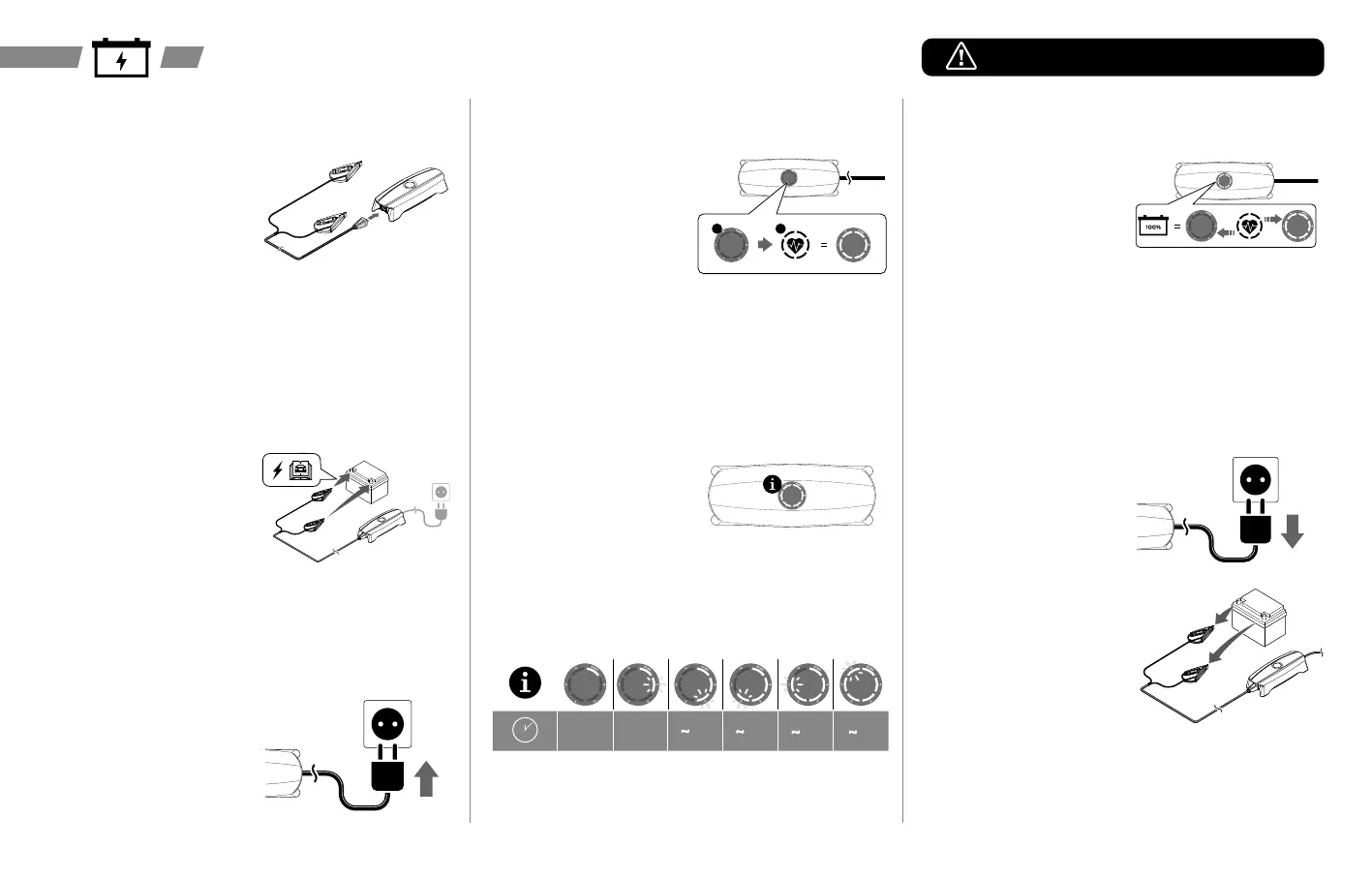
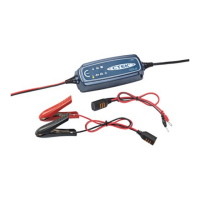
Connect the supplied battery terminal
clamps to the CS ONE output port.
2
Connect the battery clamps to the 12
V battery.
The CS ONE has built in polarity
protection to prevent damage to your
battery. The battery clamps can be
safely installed to either terminal point.
Note: Refer to the vehicle / battery manufacturers guide for terminal
connection points.
3
Plug the CS ONE into the supply
outlet.
4
APTO™ Technology will now analyze
the condition of the battery to be
charged.
The LED indicator will cycle during
this process.
1 2
Note: If LED indicators ‘2’ & ‘>8’ are illuminated red, refer to the
Troubleshooting section.
5
APTO™ Technology automatically
recognizes the type of battery,
and then automatically delivers a
customized charging program*.
The charge time is shown on the
LED indicator.
* Charging programs can include:
ANALYZE, DESULPHATION (lead-
acid only), WAKE UP, BULK,
ABSORPTION, CARE
≥ 8h 6 h 4 h 2 h 1 h
6
When the battery is fully charged,
the CS ONE will automatically go
into CARE mode and maintain a safe
charge.
The CARE mode is shown by all lights
on the LED indicator pulsing.
In CARE mode the battery is safe to
be left on charge for long term storage
on or off the vehicle.
Note: Check the CS ONE goes into CARE mode after 80 hours. If not, the
battery could be faulty. CTEK recommend to get the battery tested - it may
need replacing.
7
Disconnect the CS ONE when the
battery is and ready for use.
• To disconnect, unplug the CS ONE
from the supply outlet
• Follow by removing the CS ONE
battery clamps
• Store the CS ONE in a suitable
location



 To Next Page