CS ONE | USER MANUAL | 7© CTEK SWEDEN AB WWW.CTEK.COM
EN
OPERATING INSTRUCTIONS: CTEK APP
8
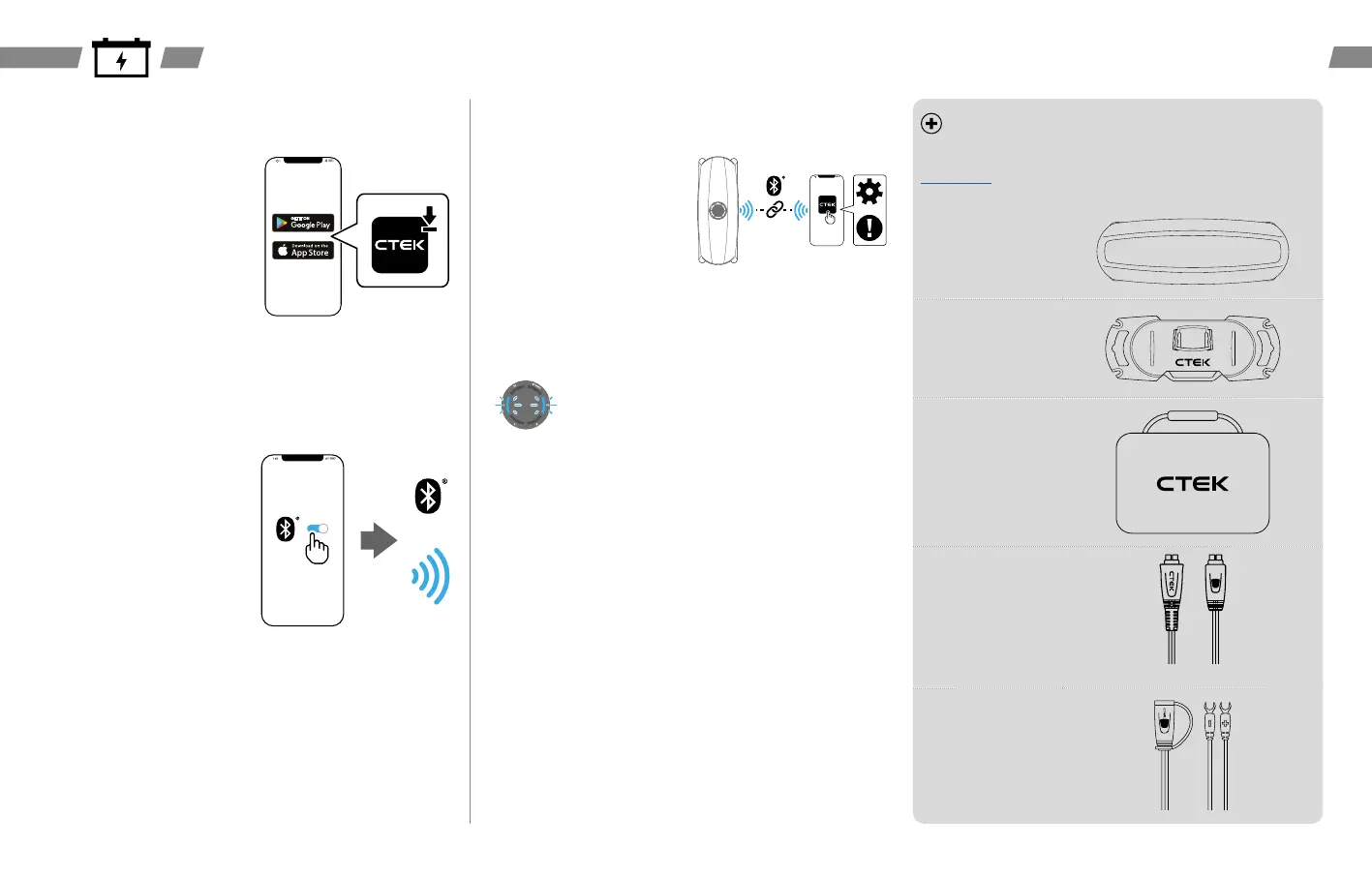
Install the CTEK App:
• Android – On the smart mobile
device go to ‘Play Store’
→
search
‘CTEK App’
→
‘Install’
• iOS – On the smart mobile device
go to ‘App store’
→
search ‘CTEK
App’
→
‘Get’
→
‘Install’
Other operating systems – Refer to
the smart mobile device manual to
correctly select the App store and
install the CTEK App.
9
Establish Bluetooth® connection:
• Android – Go to ‘Settings’
→
‘Connected Devices’
→
‘Connection preferences’
→
‘Bluetooth®’
→
‘Activate’
• iOS – Go to ‘Settings’
→
‘Bluetooth®’
→
toggle to activate
Other operating systems – Refer to
the smart mobile device manual to
correctly establish the Bluetooth®
connection.
10
Open the CTEK App:
• Follow the instructions when
prompted in the CTEK App to
register an account
• Follow the instructions when
prompted in the CTEK App to pair
with the CS ONE
Note: The CS ONE is ready for
pairing for 2 minutes after being
powered on. This can be indicated by
the blue LED's blinking.
ACCESSORIES
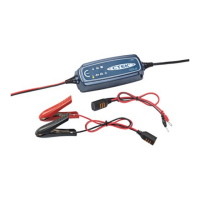
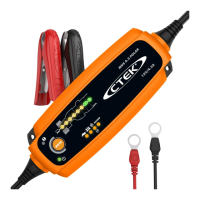
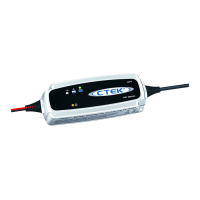
A range of CTEK accessories can be used with the CS ONE as shown, visit
www.ctek.com for more information and compatibility requirements.
CS ONE BUMPER
Part no. 40-476
CS WALL MOUNT
Part no. 40-375
CTEK STORAGE
CASE
Part no. 40-517
CS CONNECT
ADAPTER CABLE
Part no. 40-376
CS CONNECT
U-TERMINAL
Part no. 40-377
Requires CS
CONNECT ADAPTER
CABLE



 To Next Page