User's ManualHS-2850
14
CHARGING THE BATTERIES
Your C.T.M. power chair is equipped with two, service free 12V 36Ah rechargeable
batteries and one 24V/5A off-board charger. Batteries must be charged before using
power chair for the first time and it is recommended to be charged up to 8 - 14 hours
after each day's use. Be sure power switch is in OFF position and free-wheeling
lever is in "D" position.
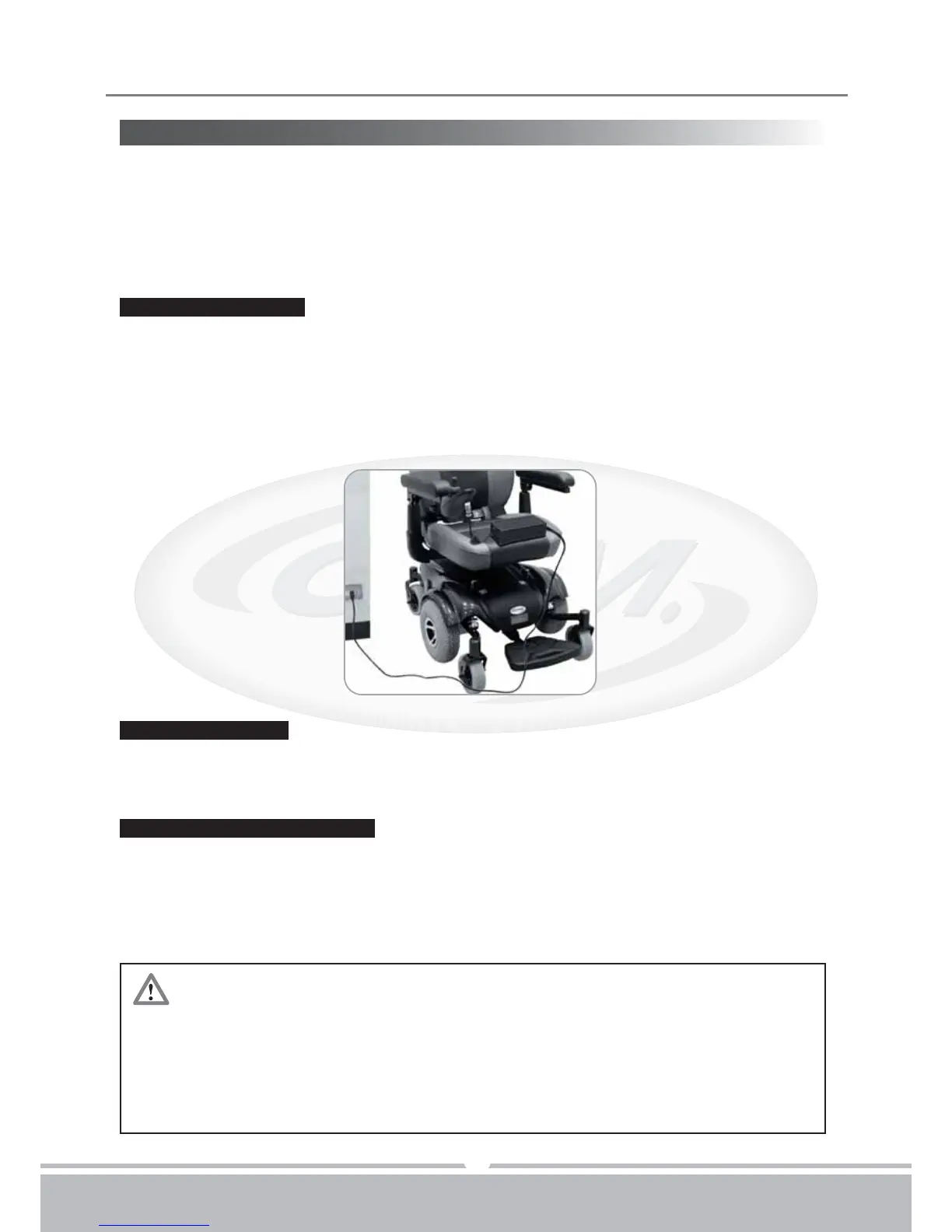
1.Position HS-2850 power chair next to a standard wall outlet.
2.Insert the the battery charger cord into the chair input battery charging socket, which
is located on the frout of the joystick.
3.Plug the other end of power cord into a standard electrical wall outlet.
4.Switch the charger power On.
If charging your power chair for over 8 - 14 hours and it does not function,
please check :
•fuse is not burned out
•power chair is turned off
•circuit breaker is pushed in
•if none of above is the problem, contact your authorized dealer.
Charging the batteries:
While the batteries are being recharged, a orange light appear on the battery charger,
i
ndicating that the power is connected and charging is in progress.
During the recharge:
1.A green light will appear on the charger. This indicates that the batteries are fully charged
and ready for use.
2
.Please unplug power cord from wall outlet and power chair
.
The power cord should be
stored in a safe and dry area until next use.
At the end of the recharge cycle:


 To Next Page