Basic Operations
13
Note: If the does not receive a displaying signal for a certain time, the goes
into standby mode.
CTOUCH interactive display CTOUCH
Plug the power cord into an AC power outlet. Press Power Switch on the .CTOUCH interactive display
Now the is in standby mode. Wait a moment until the power indicator lights up, then press POWER to
turn on the . (Be sure to wait for a few seconds before pressing POWER button. If you
promptly press POWER button then the may not respond or act wrongly.)
CTOUCH
CTOUCH interactive display
CTOUCH interactive display
Press button again to turn off the and put the in standby mode.CTOUCH display
To cut off the power completely, press Power Switch on the back of the . CTOUCH
1
2
3
Turning the CTOUCH interactive display on or off
The first time installation
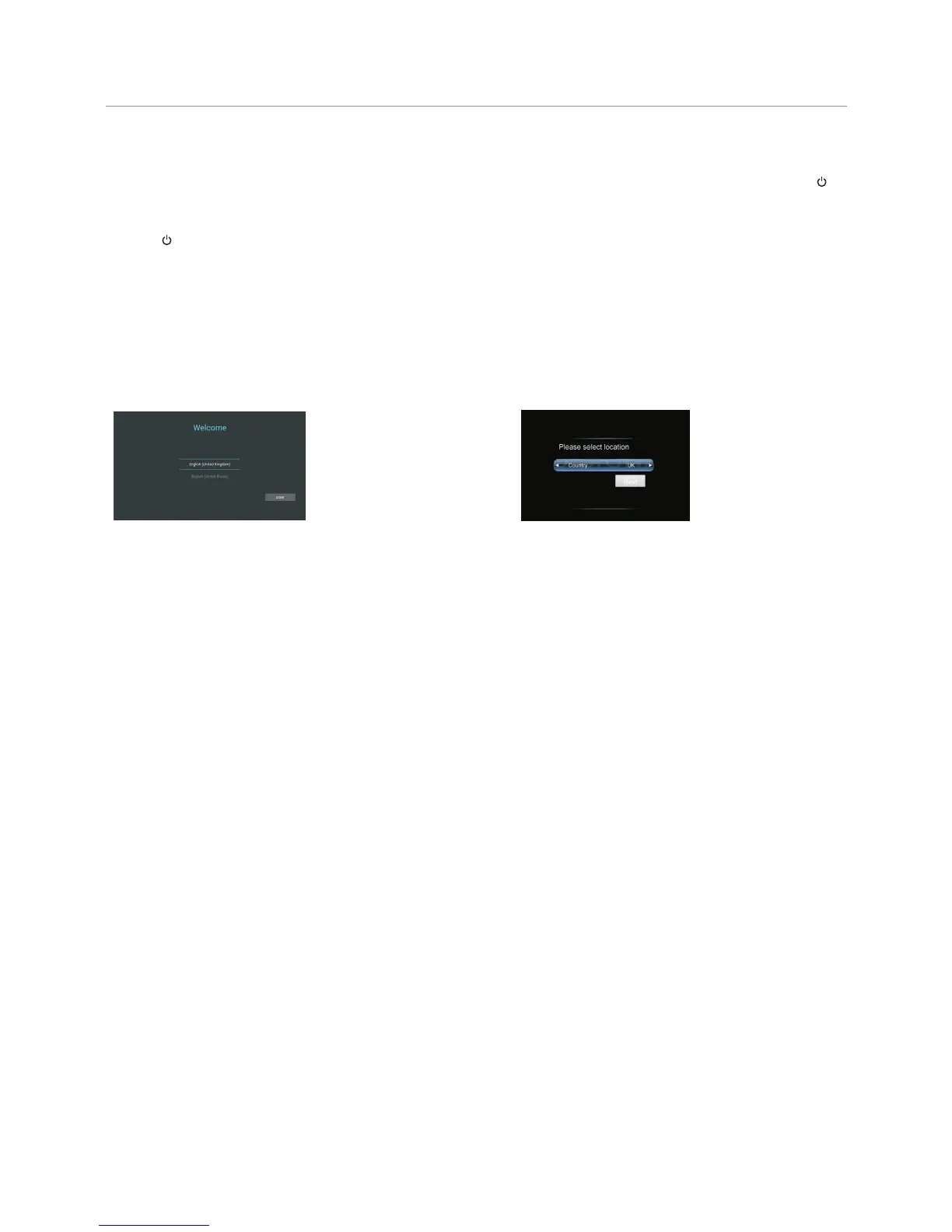
Connect to power source and turn on the screen, the below installation menu page will display on the screen.
Select desired menu
language, then press START
and turn to next page.
Select location and
turn to next page.



 To Next Page