CONTROLS AND ADJUSTMENTS
"Color" Menu
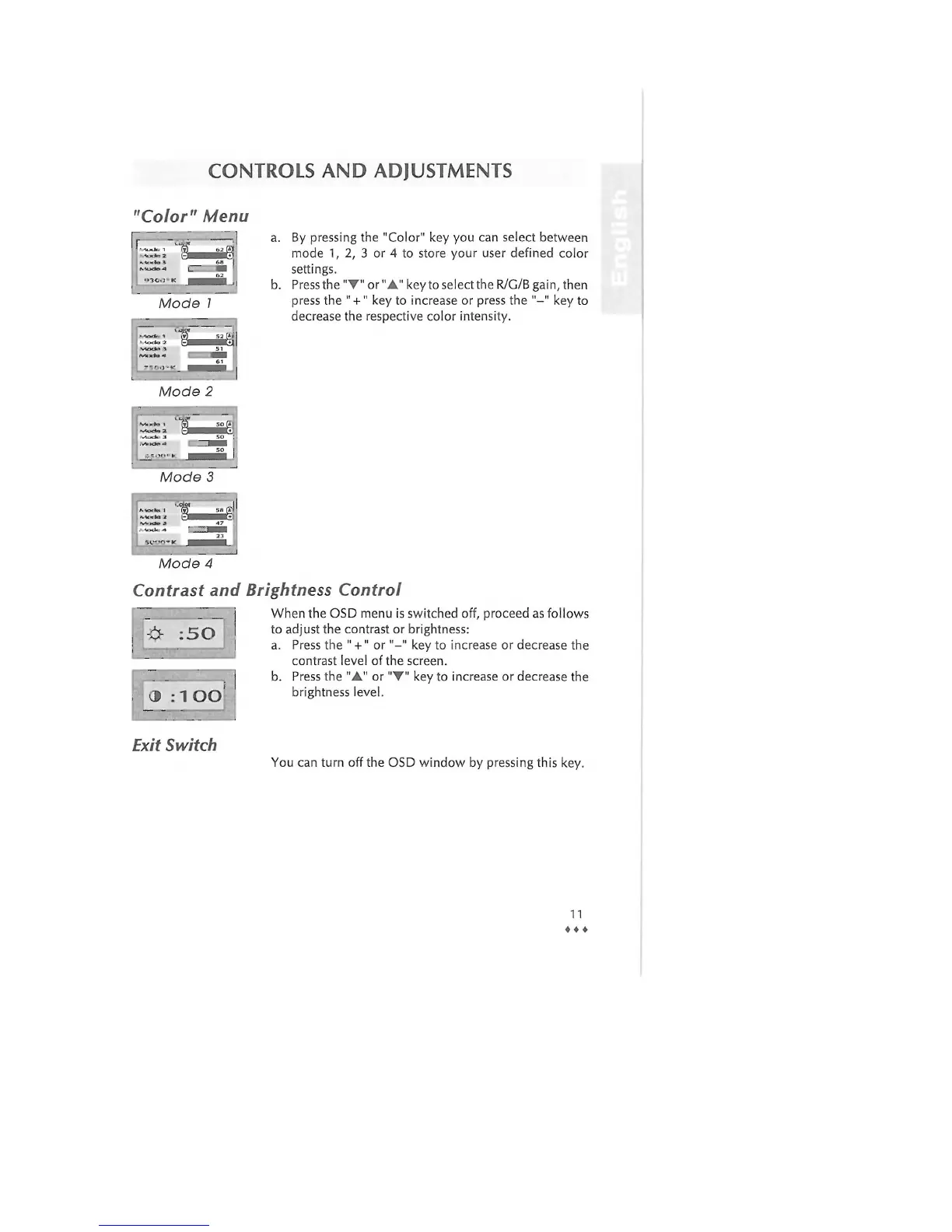
a. By pressing the "Color" key you can select between
mode 1, 2, 3 or 4 to store your user defined color
settings.
b. Press the "•" or "A" key to select the R/G/B gain, then
press the " +" key to increase or press the "-" key to
decrease the respective color intensity.
Mode 3
Mode 4
Contrast and Brightness Control
When the OSD menu is switched off, proceed as follows
:50
J : 1 OO
Exit Switch
to adjust the contrast or brightness:
a. Press the " +" or"-" key to increase or decrease the
contrast level of the screen.
b. Press the "A" or "•" key to increase or decrease the
brightness level.
You can turn off the OSD window by pressing this key.
11
• • •



 To Next Page