6
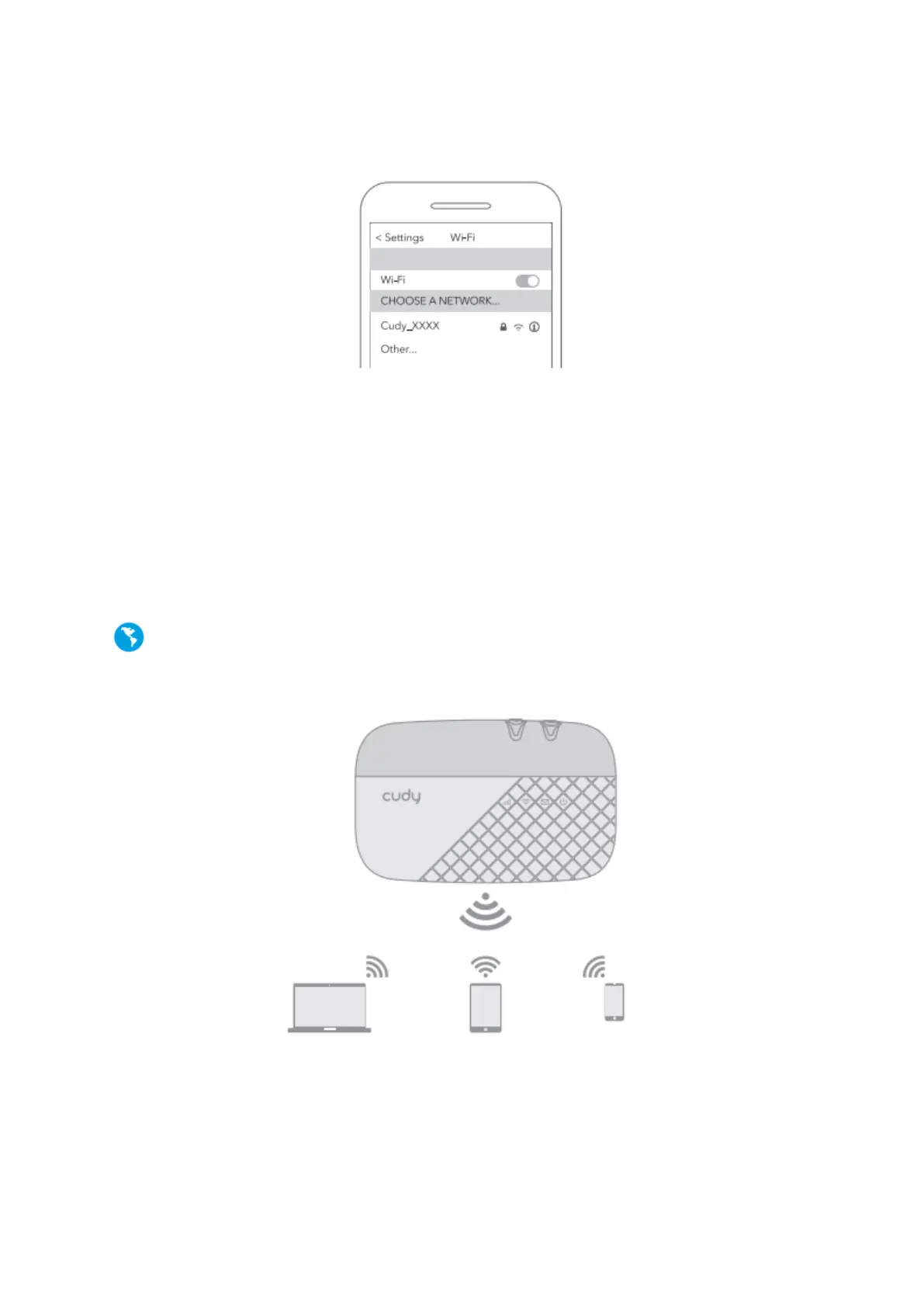
b. Connect your wireless device to the Mobile Wi-Fi using the SSID and the wireless
Password you have noted down.
Note:
If you cannot access the internet, refer to FAQ > Q1.
1. By default, Power Saving is enabled, and the Mobile Wi-Fi will turn off Wi-Fi when no
wireless devices are connected to it for 5 minutes.
2. To resume the Wi-Fi connection, press the Power button.
Enjoy the internet!



 To Next Page