11
4. BEFORE FIRST USE
Before the rst use or after an extended period of non-use, ll the reservoir with cold water up to
its maximum level (without co ee nor lter). Put the co ee pot into position and swich the unit
on by pressing
.
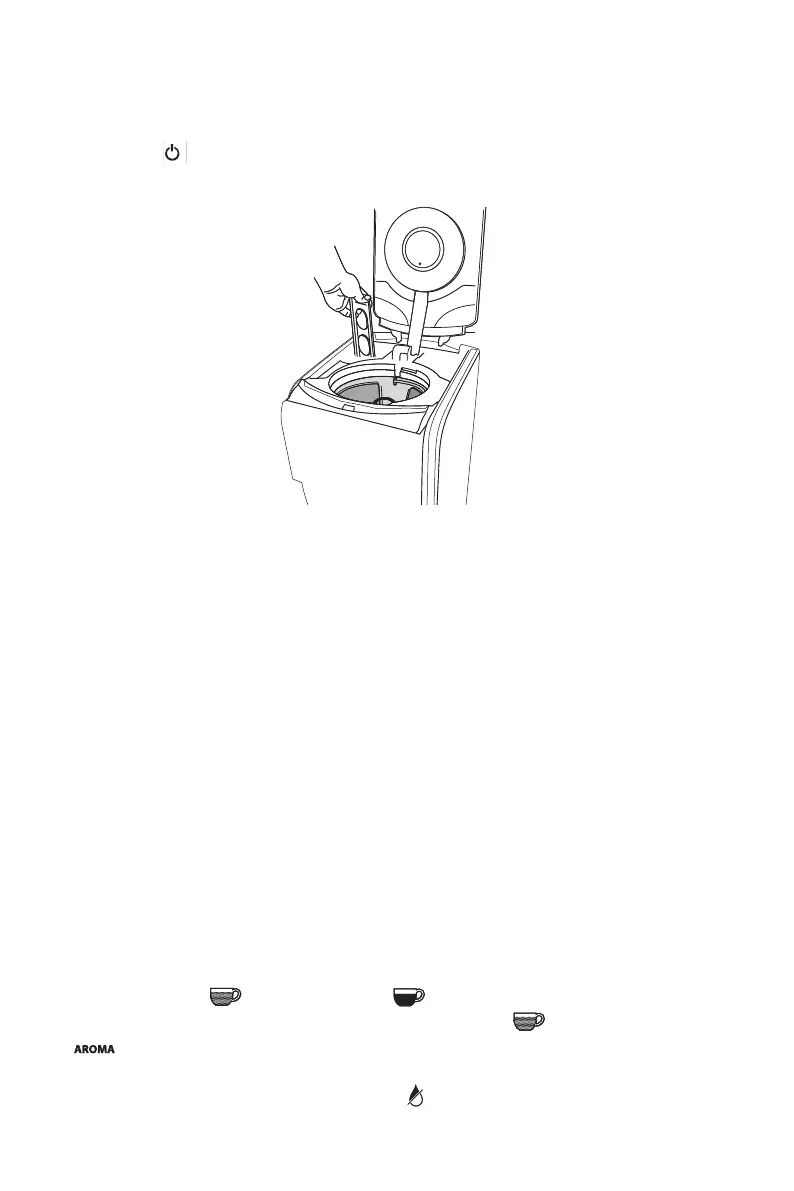
Insert the charcoal water lter
• Remove the lter from polybag and soak in cold tap water for 15 minutes.
• The water lter holder is located inside the water reservoir, on the left. Remove the water lter
holder by lifting it out.
• Pull toward you to open.
• Place the lter at the bottom of the water lter holder with at part upwards. Be careful, an
inappropriate placement can tear it.
• Re-place the water lter holder.
NOTE: Change the water lter every 60 days or after 60 uses, and more often if you have hard
water. Replacement lters can be purchased by calling Cuisinart Customer Service, or at www.
cuisinart.eu.
5. INSTRUCTIONS FOR USE
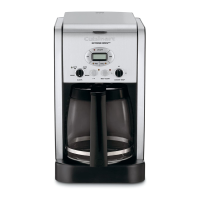
A. CONTROL PANEL (Fig.1)
1. On/O switch
2. Clock with LCD display: displays the time of the day and the AUTO ON and AUTO OFF functions
times.
3. Hour (HR) and minute (MIN) buttons: to set the time and automatic on and o times.
4. Strength selector:
(regular co ee) and (strong co ee) buttons let you choose the
intensity of co ee avor you prefer. The intensity by default is .
5.
setting: Ensures optimum co ee aroma whilst preparing smaller pots of co ee with
perfect temperature. To use for fewer than 5 cups.
6. Descaling button with descaling indicator light
: Indicator light noti es you when the co ee
machine needs descaling. Button selects the descaling cycle.



 To Next Page