28
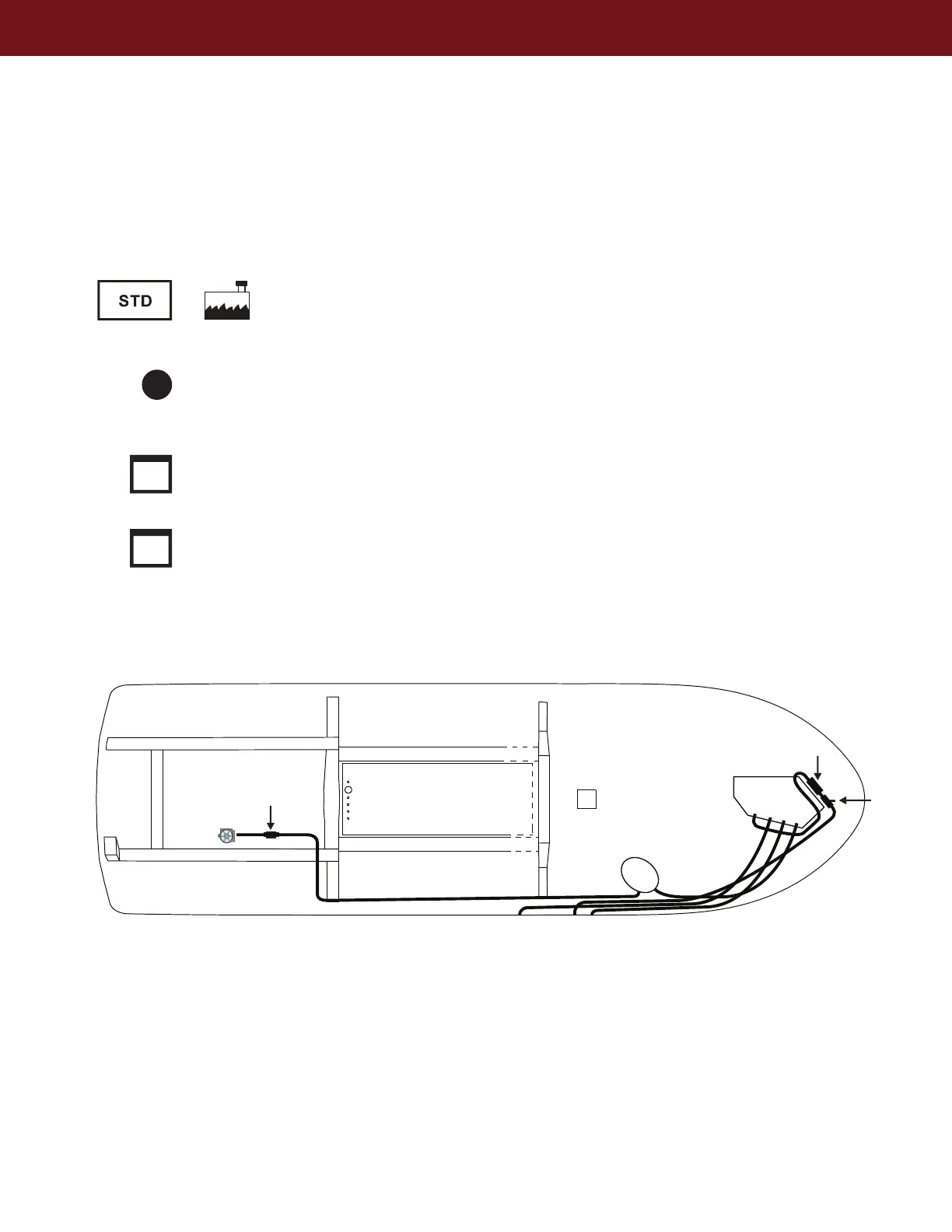
WASTE SYSTEM WITH MACERATOR PUMP
Waste tank fill level can be monitored by checking the electronic display in the head
compartment. Green = Empty, Yellow = Half, Red = Full. Pump out can be done with the
macerator or standard dockside pump out.
40 Gallon Tank with Macerator Pump Out (Opt.), Standard Dockside Pump Out, and Vent
Waste tank pump out stations are widely available. Please follow the directions carefully for the
pump out equipment you are using to avoid damage to the waste system.
Boat owner is responsible for following all applicable laws when using the macerator
system to pump out into the surrounding waters.
Macerator out (optional)
Macerator
Waste tank vent
Pump out
Pump
Marine Head
Sea strainer
Shut Off
Valve



 To Next Page