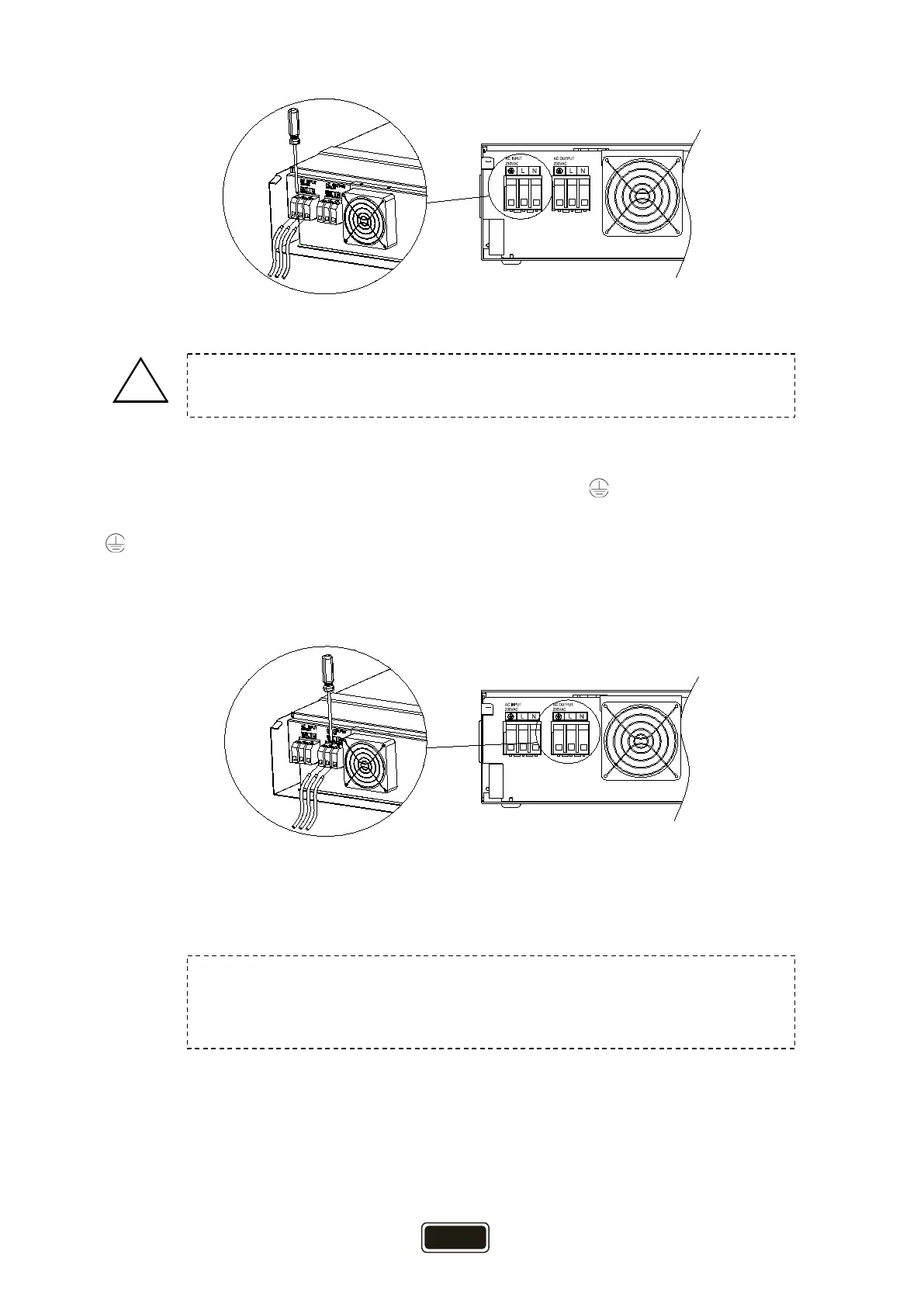
Figure 3-8
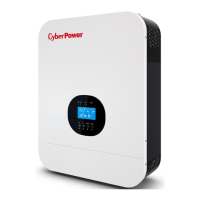
4. Then, insert AC output wires according to polarities indicated on terminal block and tighten
terminal screws. Be sure to connect PE protective conductor ( ) first.
→ Ground (yellow-green)
L → Line (brown)
N → Neutral (blue)
Figure 3-9
5. Make sure the wires are securely connected.
CAUTION:
Be sure that AC power source is disconnected before attempting to hardwire
Be sure to connect AC wires with correct polarity. If L and N wires are
connected reversely, it may cause utility short-circuited when these inverters
are worked in parallel operation.


 To Next Page