EasyManua.ls Logo

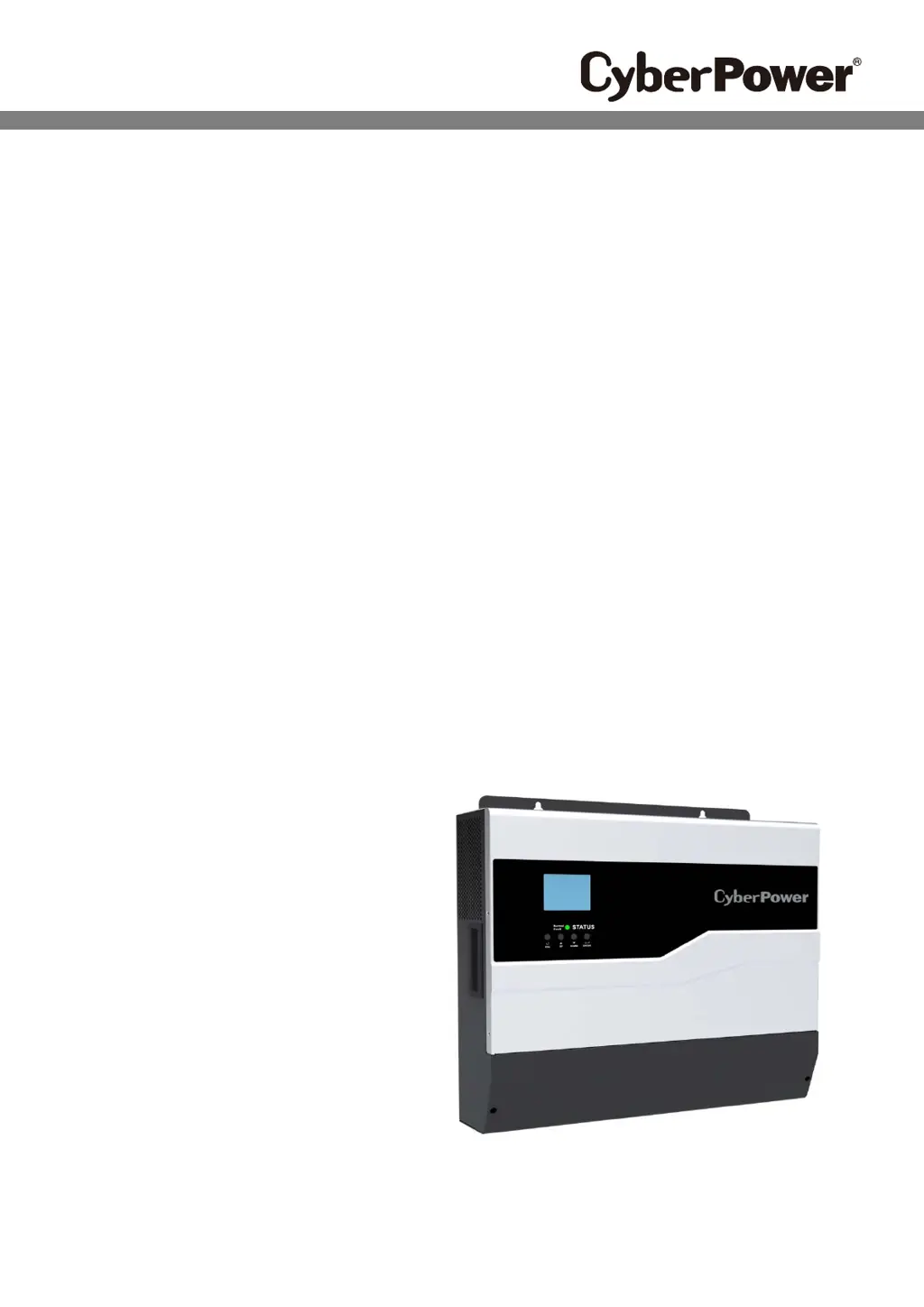
Cyber Power CPS5000ECH48 - User Manual

Cyber Power CPS5000ECH48
36 pages
Print Icon
To Next Page IconTo Next Page
Loading...
User’s Manual
All-In-One Off-Grid Inverter

Questions and Answers

  • A
    Allison CookAug 4, 2025
    Why does my Cyber Power Inverter work in battery mode when mains exist?
    • S
      Susan PotterAug 4, 2025
      The Cyber Power Inverter might be operating in battery mode even when mains are available due to several reasons. First, the input protector may have tripped; check if the AC breaker has tripped and ensure the AC wiring is properly connected. Second, the AC power quality might be insufficient (especially from shore power or a generator); in this case, verify that the AC wires are not too thin or too long, confirm the generator (if used) is functioning correctly, and check if the input voltage range setting is correct for your appliance. Finally, change the output source priority to Utility first.
  • C
    Christopher ShepardAug 11, 2025
    What to do if my Cyber Power Inverter has no response after power on?
    • M
      Molly BrownAug 11, 2025
      If your Cyber Power Inverter is not responding after you power it on, it could be due to a very low battery voltage or reversed battery polarity. First, check that the batteries and wiring are properly connected. Second, try re-charging the battery; if that doesn't work, the battery may need to be replaced.
  • T
    taylormikeAug 27, 2025
    Why is internal relay switching on and off repeatedly on my Cyber Power CPS5000ECH48?
    • G
      Garrett GrayAug 27, 2025
      If the internal relay in your Cyber Power Inverter is repeatedly switching on and off when you turn it on, the battery may be disconnected. Check to ensure that the battery wires are securely connected.
  • M
    Morgan WilliamsSep 10, 2025
    How to fix Cyber Power CPS5000ECH48 Inverter shutting down automatically during startup?
    • K
      Keith HawkinsSep 12, 2025
      If your Cyber Power Inverter shuts down automatically during startup, it is possible that the battery voltage is too low. Try re-charging the battery. If the issue persists, consider replacing the battery.

Summary

1 Brief Introduction

1.1 Preface and Manual Purpose

Manual covers assembly, installation, operation, and troubleshooting. Read carefully for best results.

1.2 Target User Group

For qualified electrical technicians. Confirm lead acid battery compatibility with installer/CyberPower.

1.3 Product Description and Features

Details off-grid inverter features: pure sine wave, MPPT, configurable settings, auto-restart, protections.

1.4 System Architecture Diagram

1.5 Inverter Unit Overview

2 Safety Instructions

General Safety Precautions and Warnings

Read all instructions. Ensure professional installation, comply with standards, and use proper PPE.

3 Installation Guide

3.1 Unpacking and Initial Inspection

Check package contents: unit, manual, screws. Ensure no damage before proceeding with installation.

3.2 Basic Installation Site Requirements

Location suitability for weight, dimensions, material restrictions, IP20/PD2 rating, humidity, temperature, and mounting.

3.3 Inverter Electrical Connections

3.3.1 Lead-Acid Battery Connection

Connect lead-acid batteries. Use specified cable size, terminals, and torque for safety and performance.

3.3.2 AC Input and Output Wiring

Connect AC input/output using correct polarity and recommended cable size. Ensure proper breaker installation.

3.3.3 PV Module Connection

Connect PV modules, ensuring correct voltage parameters and using recommended cable size for safety.

3.3.4 Final Unit Assembly

Secure the bottom cover with screws after all wiring connections are completed.

4 Communication Interface

RS232 and RS485 Port Usage

Details the unit's compatibility with RS232 and RS485 for PC monitoring and data logger connection.

5 Dry Contact Output

Dry Contact Functionality Explained

Explains the dry contact port's use for signaling external devices based on battery voltage levels.

6 Operation Guide

6.1 Power On and Off Procedures

Instructions on how to turn the unit on and off using the power switch.

6.2 Front Panel Display and Controls

Overview of the front panel components: LCD display, indicators, and function keys for status monitoring.

Buzzer Alerts and Button Functions

LCD Display Icon Meanings

6.3 LCD Display Parameter Details

Displayable Parameter Items List

Lists and describes parameters displayed on the LCD, including voltage, current, power, capacity, and time.

LCD Display Icon Functionality

LCD Display Power Scenarios

Visualizing Power Source Combinations

Illustrates LCD display scenarios for battery, PV, utility power, and load combinations.

LCD Menu Navigation

Setting Mode and AC Output Source

Explains how to enter setting mode and navigate options like AC Output Source (PV, UTI, BAT first).

Configuration Settings

Charge Source and Input;Output Modes

Details charge source priorities and input/output modes, settings for PV input, AC input/output.

Time, Frequency, and Overload Settings

Covers UTI start/end times, AC output frequency, and overload restart configurations.

System and Battery Settings

Temperature, Buzzer, and COM Address

Configures auto-restart for temperature, buzzer alarms, and communication address.

Battery Type and Charging Parameters

Sets battery type, max charge current, bulk/float voltage, low voltage points, and system time.

Troubleshooting: Errors and Warnings

Error Code Meanings and Causes

Lists error codes and their corresponding explanations, such as high voltage, over load, and communication failures.

Warning Code Meanings and Causes

Lists warning codes and their explanations, including fan issues, low battery voltage, and EEPROM problems.

7 Specifications Overview

Line Mode Electrical Specifications

Details input voltage, frequency, transfer time, and power derating for line mode operation.

Bat Mode Electrical Specifications

Battery Mode Performance Parameters

Lists rated output, voltage regulation, peak efficiency, overload protection, and battery voltage range.

PV Mode Electrical Specifications

PV Mode Performance Parameters

Details PV input power, current, voltage, MPPT range, and efficiency.

General Unit Specifications

Safety, Environment, and Dimensions

Covers safety certification, operating/storage temperature, protection features, noise, and dimensions.

8 Troubleshooting Common Issues

Problem Diagnosis and Solutions

Addresses issues like auto shutdown, no response, and working in battery mode with possible causes and fixes.

9 Manufacturer Warranty Information

Warranty Terms and Exclusions

Details the 2-year limited warranty, warranted products, and exclusions for damages.

10 Appendix and Supplementary Data

Optional Accessories List

Lists optional accessories like the Data Logger CPSDL02 for data recording.

Backup Time Estimation Table

Provides approximate backup time calculations based on load and battery capacity (100Ah/200Ah).

Cyber Power CPS5000ECH48 Specifications

General IconGeneral
BrandCyber Power
ModelCPS5000ECH48
CategoryInverter
LanguageEnglish

Related product manuals