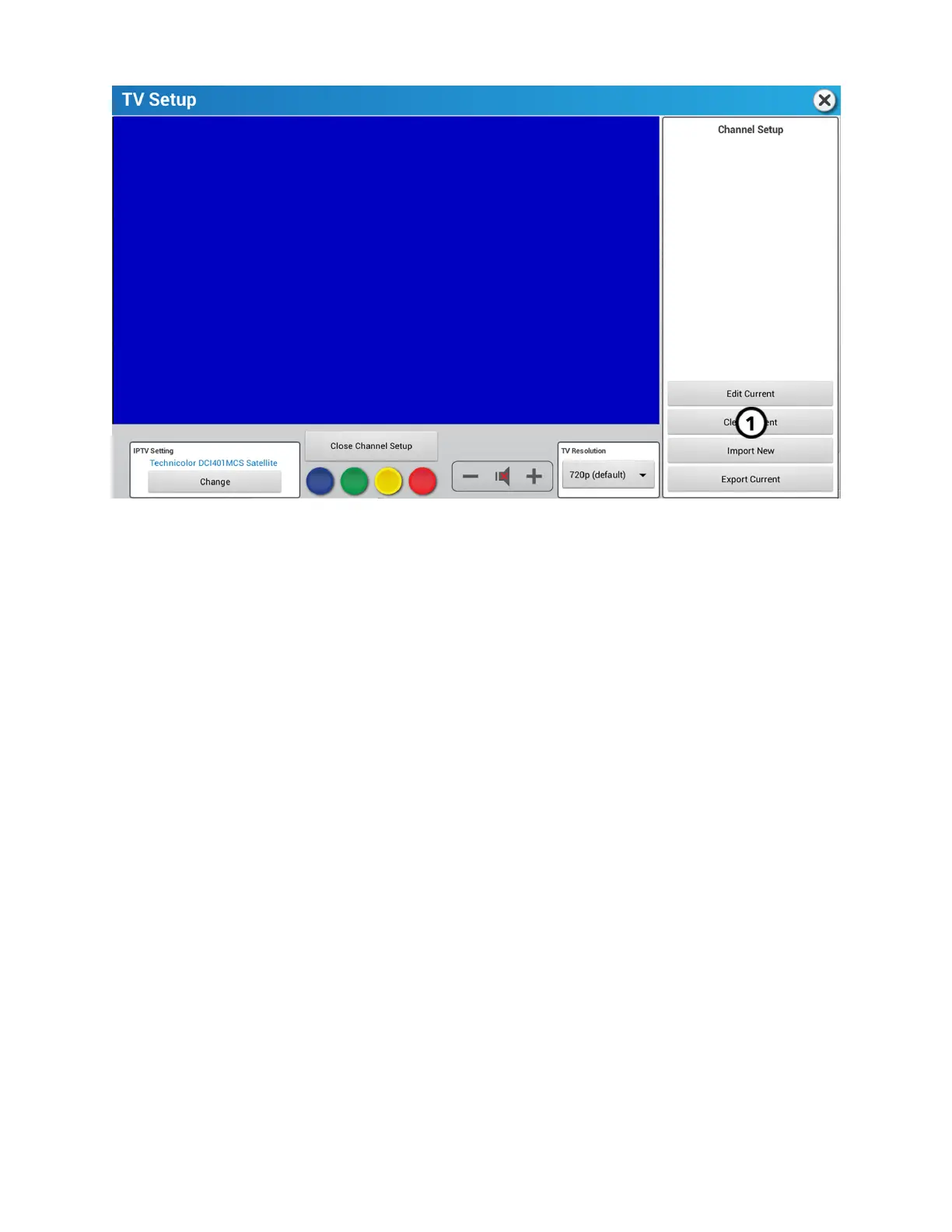
Clear Current
Press Clear Current to delete an existing list of channels, and create a new list of channels.
Import New
The Import New feature requires a channel list on a dierent unit and a USB flash drive. You will use the Export Current feature on
another unit before using the Import New feature.
Import a channel list from a dierent unit:
1. Locate another unit with a current channel list.
2. Insert a USB flash drive into that unit's USB port.
3. Perform an Export Current on the that unit.
4. Remove the USB flash drive from that unit.
5. Install the USB flash drive on your unit.
Page 68 of 80


 To Next Page