Cybex Owner’s Manual
40
Picture
1. Tap ▲ or ▼ to select Picture.
2. Tap ► to select access Picture menu.
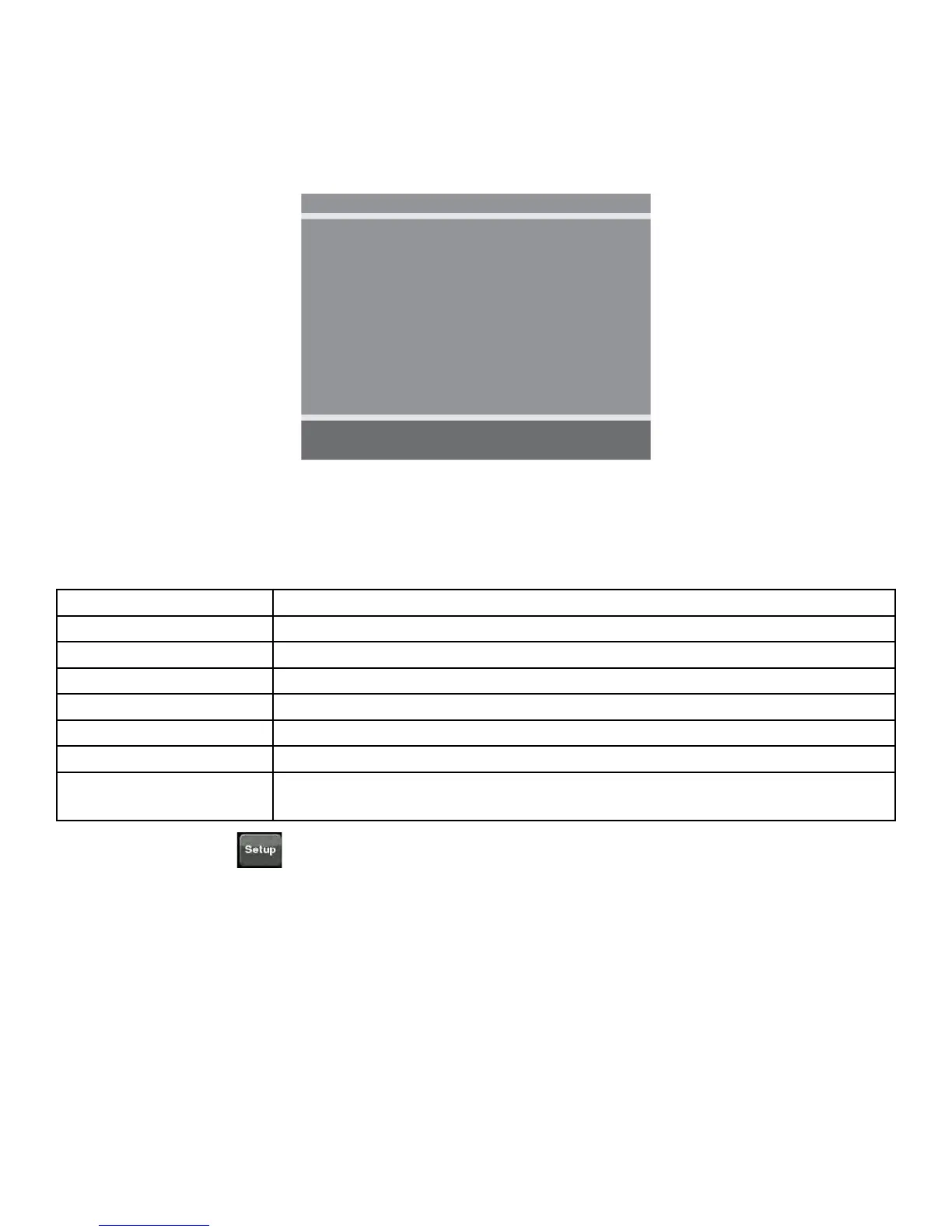
Picture
■ Brightness 65
■ Contrast 70
■ Color 75
■ Tint 0
■ Color Temperature ►
■ Sharpness 60
■ Noise Reduction Enabled
■ HDMI Picture ►
Position: ▲ ▼
Exit: SETUP Next: ◄ ►
3. Tap ▲ or ▼ to select settings.
4. Tap ◄ or ► to adjust settings.
Picture settings
Brightness Adjust range from 1 to 100. Default is 65.
Contrast Adjust range from 1 to 100. Default is 70.
Color Adjust range from 1 to 100. Default is 75.
Tint Adjust range from 1 to 100. Range is R50 to G50. Default is 0.
Color Temperature Adjust color balance of Red, Green and Blue temperatures.
Sharpness Adjust range from 1 to 100. Default is 60.
Noise Reduction Select Enabled (Default) or Disabled.
HDMI Picture Set to Auto or Adjust settings as needed. Available only when HDMI
signal is present.
5. Tap the Setup
icon to return to SETUP MODE menu.



 To Next Page