Page 18
THROTTLE ERRORS AND SPEED MODES
SPEED MODES
The CycleBoard throttle comes with 5 speed mode
settings that limit top speed for safety.
ERROR DISPLAY
The Fault status display area, ERROR. When the error symbol
is
flashing, short press on/o button to adjust the display interface to the
ERROR interface.
ERROR CODES:
The corresponding figures represent the specific content of the fault
state and are as follows:
ERROR 1: Motor Fault
ERROR 2: Turn Fault
ERROR 3: Controller Failure
ERROR 4: Power Brakes
ERROR 5: Under Voltage Protection
ERROR 6: Communication Fault: Throttle isn’t receiving signal from
the motor controller
ERROR 7: Communication Fault: Motor Controller isn’t receiving
signal from throttle.
To Increase Speed Level, press the (M/Mode) button
to cycle through all 5 speed modes.
You must select 1 – 5 to engage the motor; Mode 0
will not engage motor.
CRUISE CONTROL
With the power on, hold the throttle trigger for 3-5
seconds to activate cruise control. Apply the brake
to deactivate cruise control.
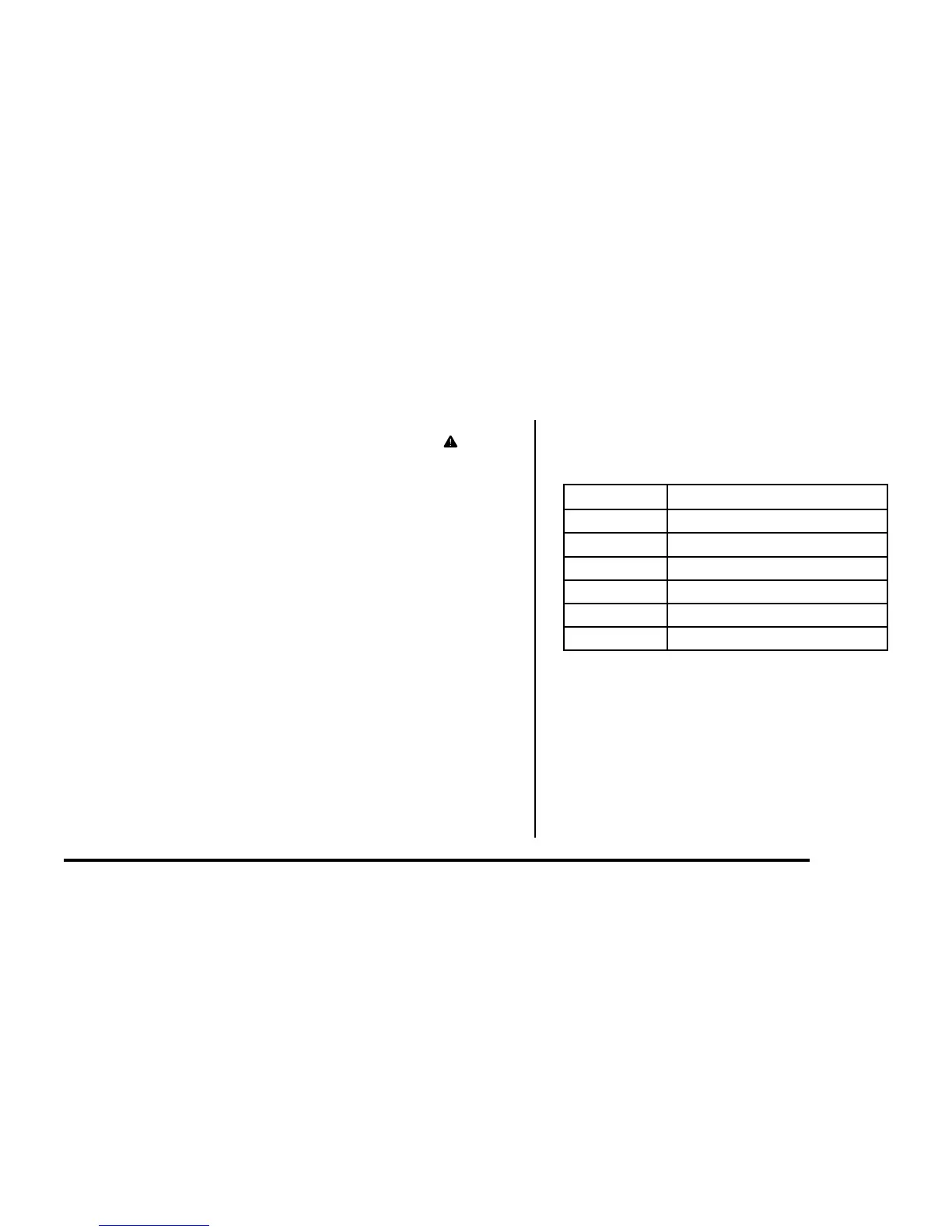
Speed Mode Top Speed
0 No speed
1 5 MPH / 8 KMH
2 9 MPH / 15 KMH
3 13 MPH / 21 KMH
4 17 MPH / 27 KMH
5 20 MPH / 32 KMH
POWER ON – To turn on the CycleBoard, hold down the (power) button
for 1-2 seconds until you see the throttle screen light up.
POWER OFF – To turn o the CycleBoard, hold down the (power) button
for 1-2 seconds until you see the throttle screen turn o.


 To Next Page