Joule 2.0 User Guide page 20
1. Press [JOYSTICK] left/right
or up/down to highlight a
metric. Note: when a new met-
ric is highlighted, the detailed
view changes to show related
metrics.
2.Press in and release [JOY-
STICK] to rotate metrics from
detailed view to dashboard.
(Example: watts, av watts, mx
watts).
3. Press in and hold [JOYSTICK]
to change the metric category
displayed in the dashboard.
Chapter 2: Dashboard Mode
Using Dashboard Mode
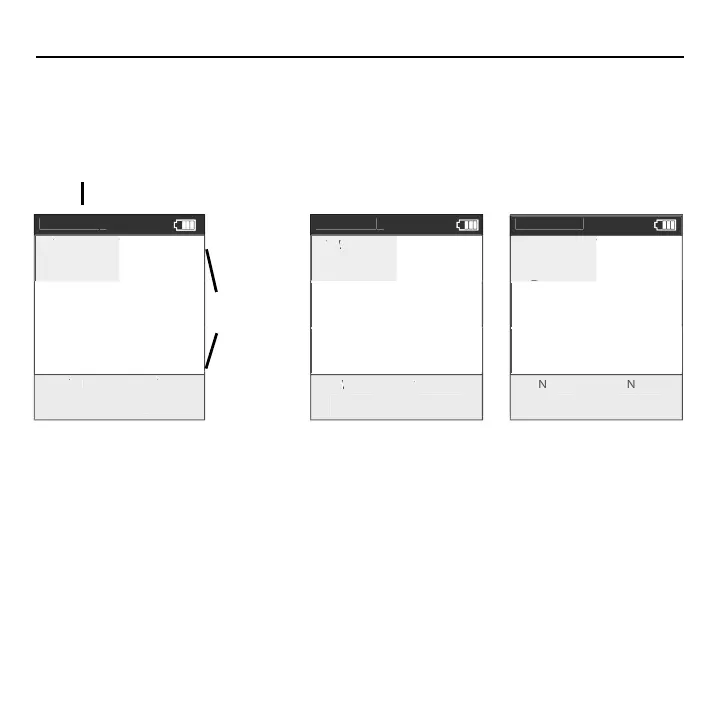
Dashboard mode shows current ride data. It displays six metrics, out of a choice of eighteen,
that can be easily customized. The detailed view shows additional metrics related to the selected
metric in the dashboard.
Detailed view
Selected
metric
D
h
K
M
A
1
7
07 5.2
M
H A
7.
MILE
FT GAI
7.
87
Dashboar
K
7
4
7
12
5.2
H A
7.
ILE
T
AIN
7.
87
ashboa
K
4
12
5.2
7.
ILE
FT
AI
7.
87
E



 To Next Page