Joule 2.0 User Guide page 45
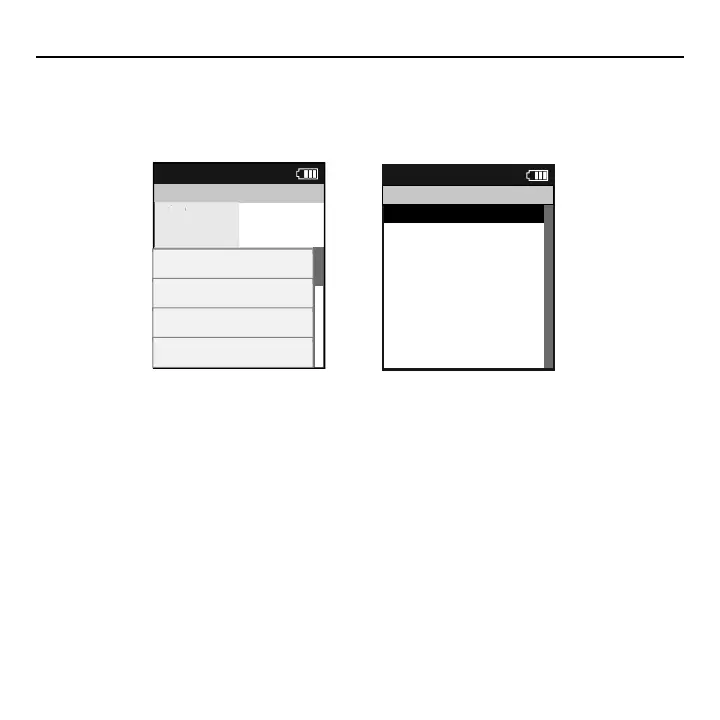
Pausing, Saving or Deleting a Workout
A workout, like any ride can be paused, saved or deleted.
1. Press and hold [MODE] button to access Ride Paused screen.
2. Press [JOYSTICK] up/down to highlight Pause, Stop and Save or Stop and Delete workout. Press [JOYSTICK]
in and release to save changes.
Note: there will be a confi rmation screen before deleting a ride. Stop and save will stop the workout and save it
to History.
>
Resume ride
>
Stop and Save
>
Stop and Delete
>
Report
12:02p
Ride Paused
Report
Intervals
Activities
TRG PWRR PWR
300
WATTS
289
Current:6 01:42:23
2999w 250b 999.9mi
Interval:5 01:42:23
2999w 250b 999.9mi
Interval:4 01:42:23
2999w 250b 999.9mi
Interval:3 01:42:23
2999w 250b 999.9mi
Chapter 5: Workouts



 To Next Page