Joule 2.0 User Guide page 65
Chapter 8: Setting Up User
Setting Up User Profi le...continued
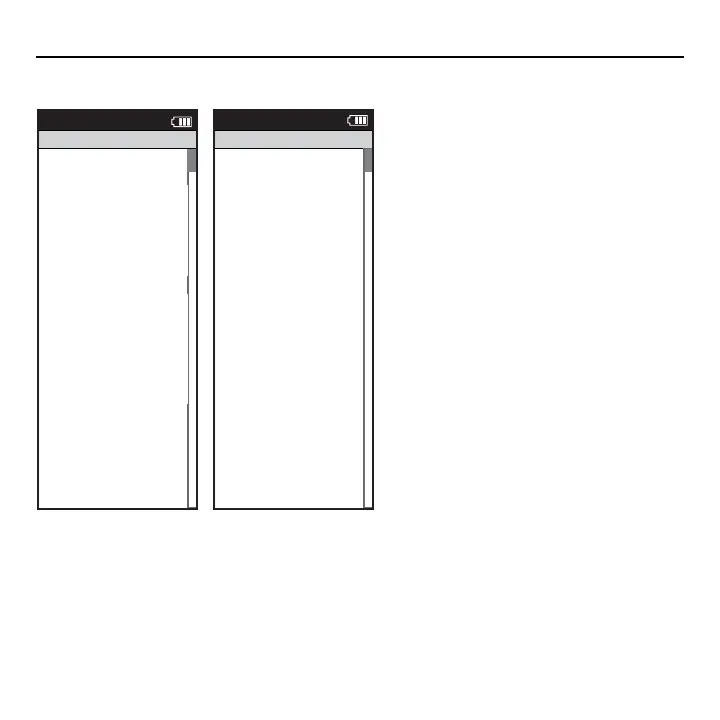
7. Press [JOYSTICK] up/down to highlight Gender.
Press [JOYSTICK] in and release to select Gender.
Press [JOYSTICK] up/down to change from male
to female. Press [JOYSTICK] in and release to save
changes.
8.Press [JOYSTICK] up/down to highlight Power
Zones. Press [JOYSTICK] in and release to select
Power Zones. Press [JOYSTICK] up/down to
highlight and select Recovery Zone, Endurance
Zone, Threshold Zone, Race Pace Zone and
Maximum Zone. Press [JOYSTICK] in and release
to save changes.
9.Press [JOYSTICK] up/down to highlight Heart
Rate Zones. Press [JOYSTICK] in and release to
select Heart Rate Zones. Press [JOYSTICK] up/
down to highlight and Recovery Zone, Endur-
ance Zone, Threshold Zone, Race Pace Zone and
Maximum Zone. Use [JOYSTICK] to set appropri-
ate zone values. Press [JOYSTICK] in and release to
save changes.
10.Press [JOYSTICK] up/down to highlight FTP.
Press [JOYSTICK] in and release to select FTP.
Press [JOYSTICK] up/down/left/right to edit FTP.
Press [JOYSTICK] in and release to save changes.
>
>
XXXX XXXX
>
The Gun Show
>
Auto Zero
>
Power Zones
>
HR Zones
>
Pair New Sensor
>
Back
<
Report
Main
Power Zones
Zone
Upper Limit
1: Recovery
104
2: Endurance
209
3:Threshold
4: Race Pace
>
220
>
5: Maximum
>
300
>
>
6: Supra Max
MAX
>
245
>
>
>
6: Supra Max
XXXX XXXX
>
Gender
>
The Gun Show
>
Auto Zero
>
Power Zones
>
HR Zones
>
Pair New Sensor
>
Back
<
Report
Main
Heart Rate Zones
Zone
Upper Limit
1: Recovery
2: Endurance
167
3:Threshold
4: Race Pace
>
183
>
5: Maximum
>
MAX
>
>
6: Supra Max
MAX
>
178
157



 To Next Page