TURN ON THE FLY6
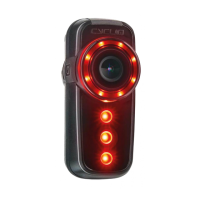
∙ Press and hold Power Button until top bezel LED illuminates - then release
∙ Power level ‘beeps’ signal remaining battery
SWITCH OFF THE FLY6
∙ Press and hold Power Button until lights turn off
∙ Power level ‘beeps’ signal remaining battery
NOTE
Before operating, ensure the USB cover is rmly depressed & seated fully
WWW.CYCLIQ.COM 23


 To Next Page