FLASH SEQUENCES
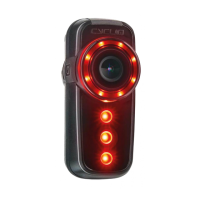
∙ When your Fly6 is operating
∙ Press the power button briey to toggle between three lighting
modes (2x Flashing + 1x Solid mode)
DIMMING FUNCTIONS
∙ By default the brightness is high at start up
∙ Press Dimming Button once for low
∙ Press Dimming Button twice for no Strobe or LED illumination
∙ Press Dimming Button three times for “super bright”.
∙ Keep pressing to cycle through these options again
NOTE
Rotating bezel lights are always on when the camera is recording. To maximise battery life select a dimmer
ashing illumination and turn off your Fly6 when not in use. Your light settings will be remembered when
the device is turned OFF/ON
WWW.CYCLIQ.COM 24


 To Next Page