30
4. Circle 4
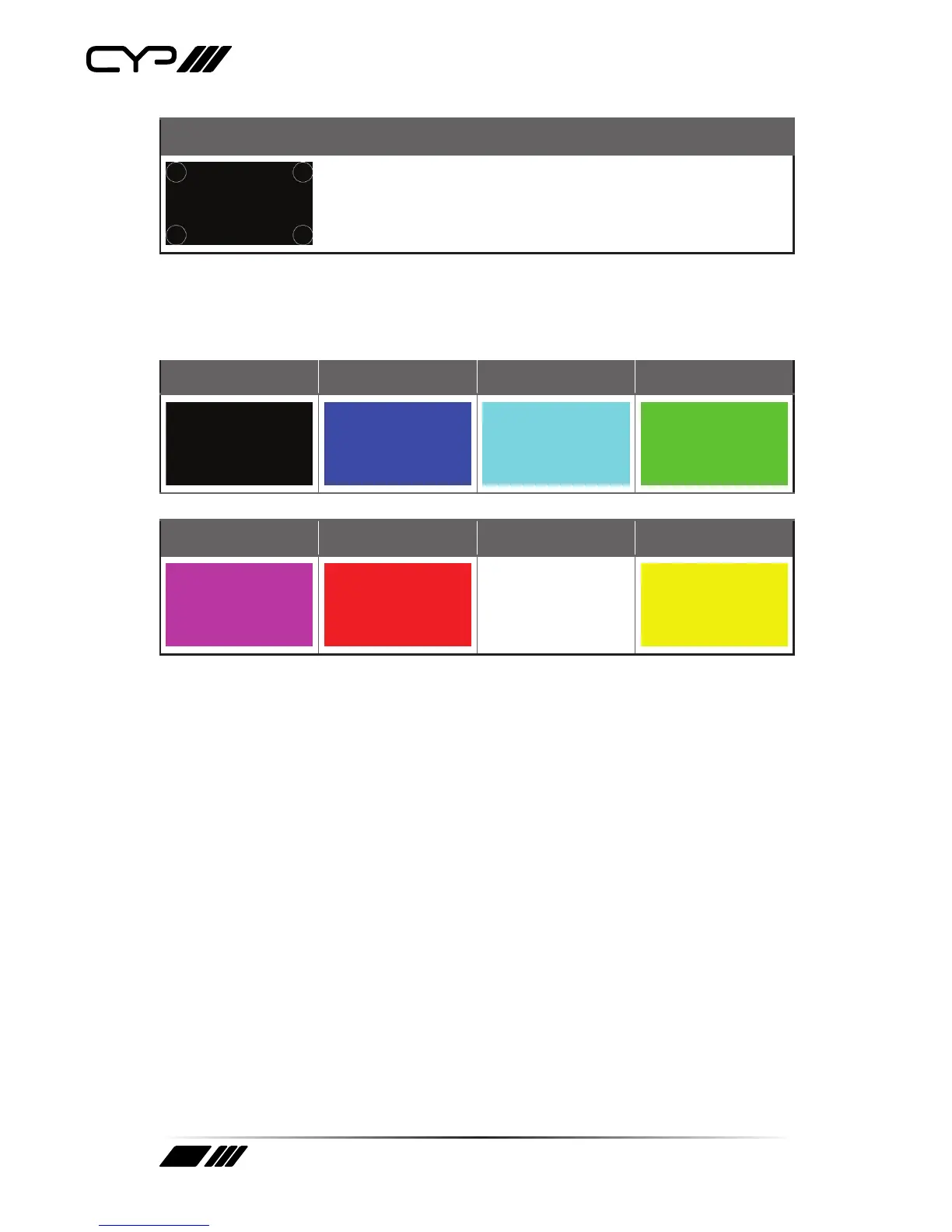
The Circle 4 pattern provides 4 smaller white circles in each of the 4
corners of the screen. This pattern can help confirm that the display is
maintaining correct geometry at the edges of the screen.
5. Black 6. Blue 7. Cyan 8. Green
9. Magenta 10. Red 11. White 12. Yellow
These patterns are full screen purity tests offering eight different full
field patterns: Black, Blue, Cyan, Green, Magenta, Red, White, Yellow.
The colour patterns should display an even distribution of brightness
and consistent colour tone across the screen. The 100% white pattern
should display evenly across the screen and not cause the display’s
overall brightness to lower, or for the image to become instable. The black
pattern will give a good idea of the display’s true minimum brightness
capability and is helpful for setting the viewing room lighting levels.



 To Next Page