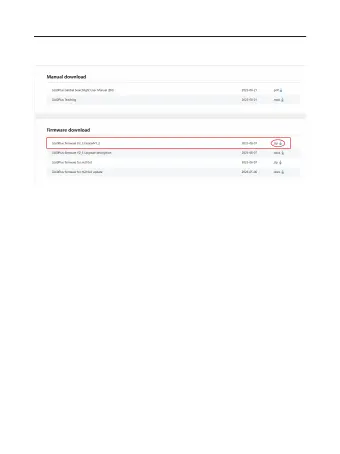
3) Find the latest firmware, download its ZIP file, and after
extracting it, move the firmware folder “GL60Plus” to the TF card.
4) Download the firmware and save in TF card, inserted the TF
card into the GL60 plus TF card slot; connect the drone and the
GL60 plus, the GL60 plus runs into the re-calibration status, wait a
few seconds to complete the update operation.
01 02 03 04 05 06
07 08 09 10 11 12 13 14
15 16 17 18 19 20 21 22
23 24 25 26 27 28 29 30
31 32
33



 To Next Page