4
Version 1.0
Installing the App
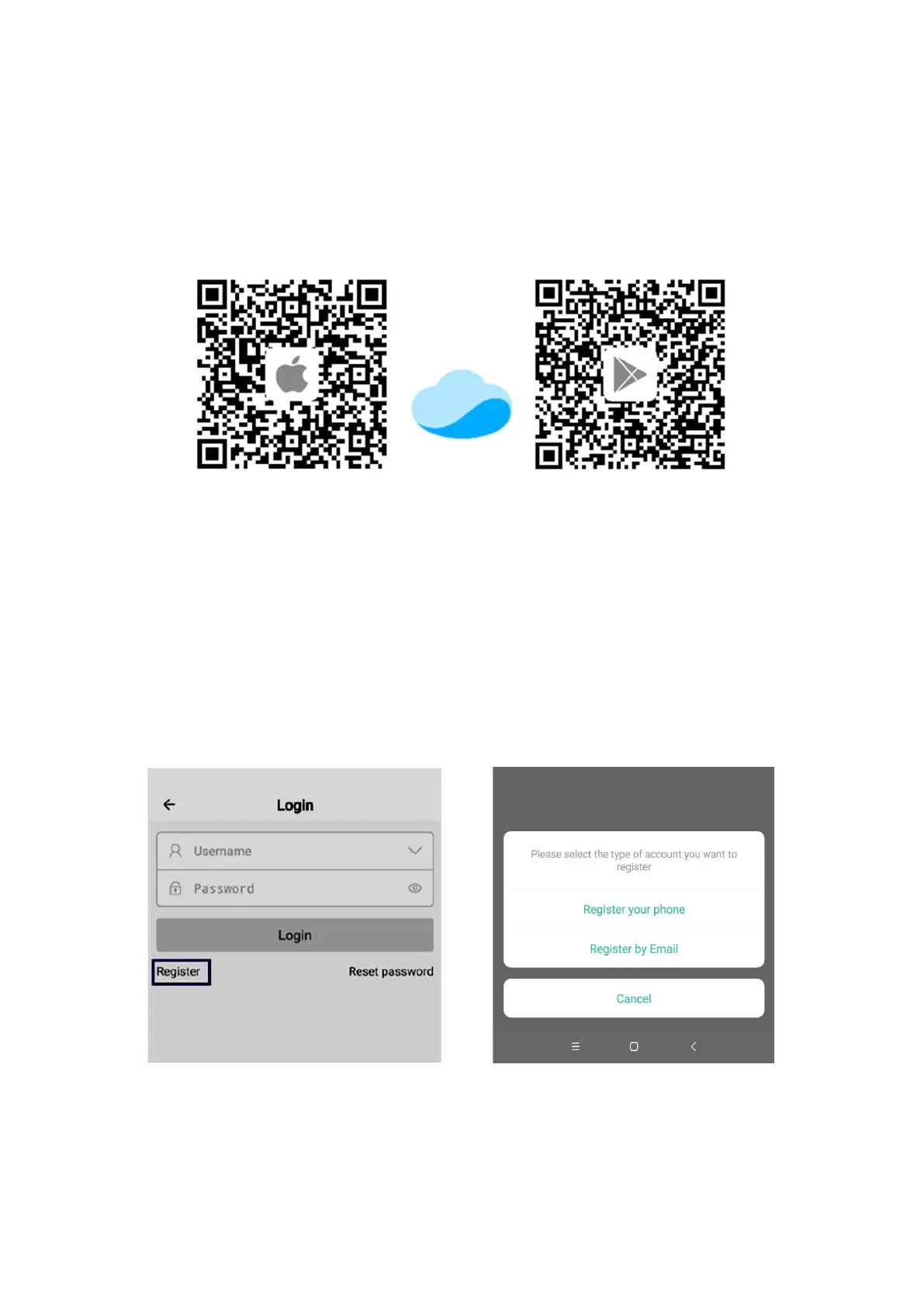
Option 1: Scan the QR code on quick start guide included with the pump or in this manual and
download the app corresponding to the icon below.
IOS Android
Option 2: Apple users visit the App Store, Android users visit the Google Play store, search for
"Kamoer Remote", find the app download of the corresponding icon.
Kamoer Remote app supports Android 4.4 and above and supports iOS 9.1 and above.
Register your cloud account
You will need to register an account and login on the Kamoer Remote app before using your dosing
pump. Choose to register via E-mail or mobile then follow the onscreen instructions to complete
registration and login.


 To Next Page