9D-Link COVR-C1203 User Manual
Section 2 - Installation
Web Based Installation
If you do not wish to use the D-Link Wi-Fi app, you can manually set up the COVR-C1203 and congure your Covr Wi-Fi network using
the web-based user interface. Follow the instructions below to set up your COVR-C1203 Dual Band Whole Home Mesh Wi-Fi System.
Step 1
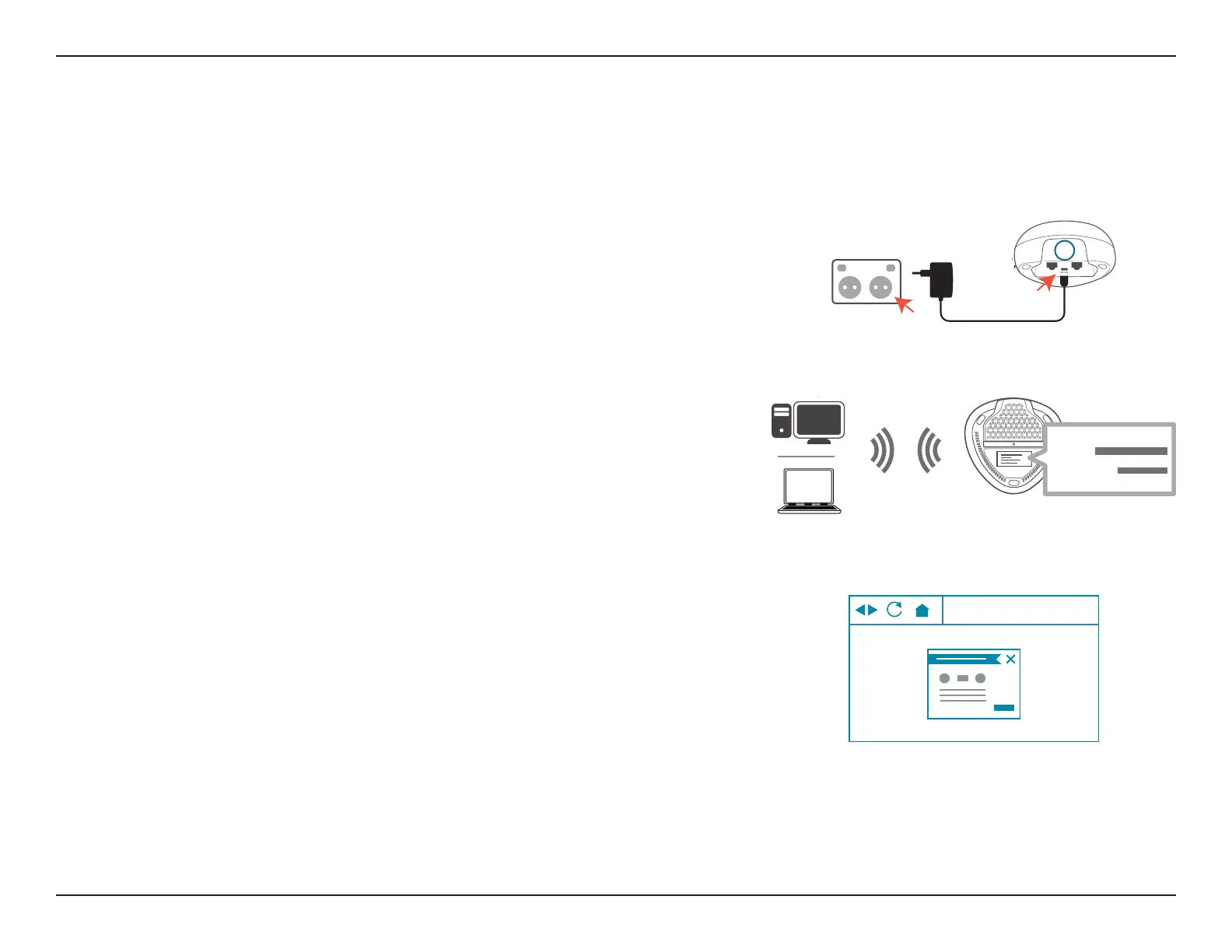
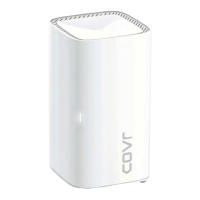
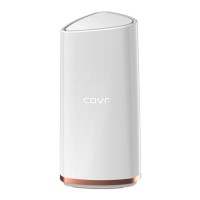
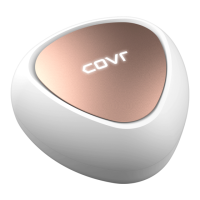
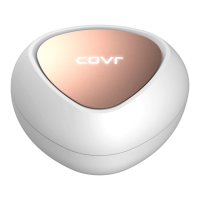
Position the Covr Point labeled A close to your Internet-connected modem.
Next, connect the power adapter and plug the Covr Point into a power
outlet.
G
A
Step 2
Wait for Covr Point A to boot up. When the COVR LED starts blinking orange,
wirelessly connect your computer to the Wi-Fi name (SSID) printed on the
back of the device, or on the included Quick Install Card.
Wi-Fi
Wi-Fi
SSID:
Password:
Your COVR-C1203 Dual Band Whole Home Mesh Wi-Fi System is now set up and ready to use. You can now congure your Covr
Wi-Fi settings using the free D-Link Wi-Fi mobile app or the web-based user interface. Refer to the Conguration section on
page 10 for more information on conguring your network using the web-based user interface.
http://covr.local./
Step 3
Type http://covr.local./ into a web browser and follow the on-screen
instructions to complete the setup.






 To Next Page